
Edit column preferences in your Vamoos List
Edited
✅ For travel companies ✅ For hotels
Edit your column preferences on the Vamoos List to choose which information you see, and filter them in a way that works best for you.
How to edit your column preferences
Go to your Vamoos List.
Scroll to the right-hand side and select the Pencil icon.

Edit and select which columns you’d like displayed.
You can select up to 10 columns.
Drag and drop column titles to change their order.
Press OK once you’ve chosen your preferences.
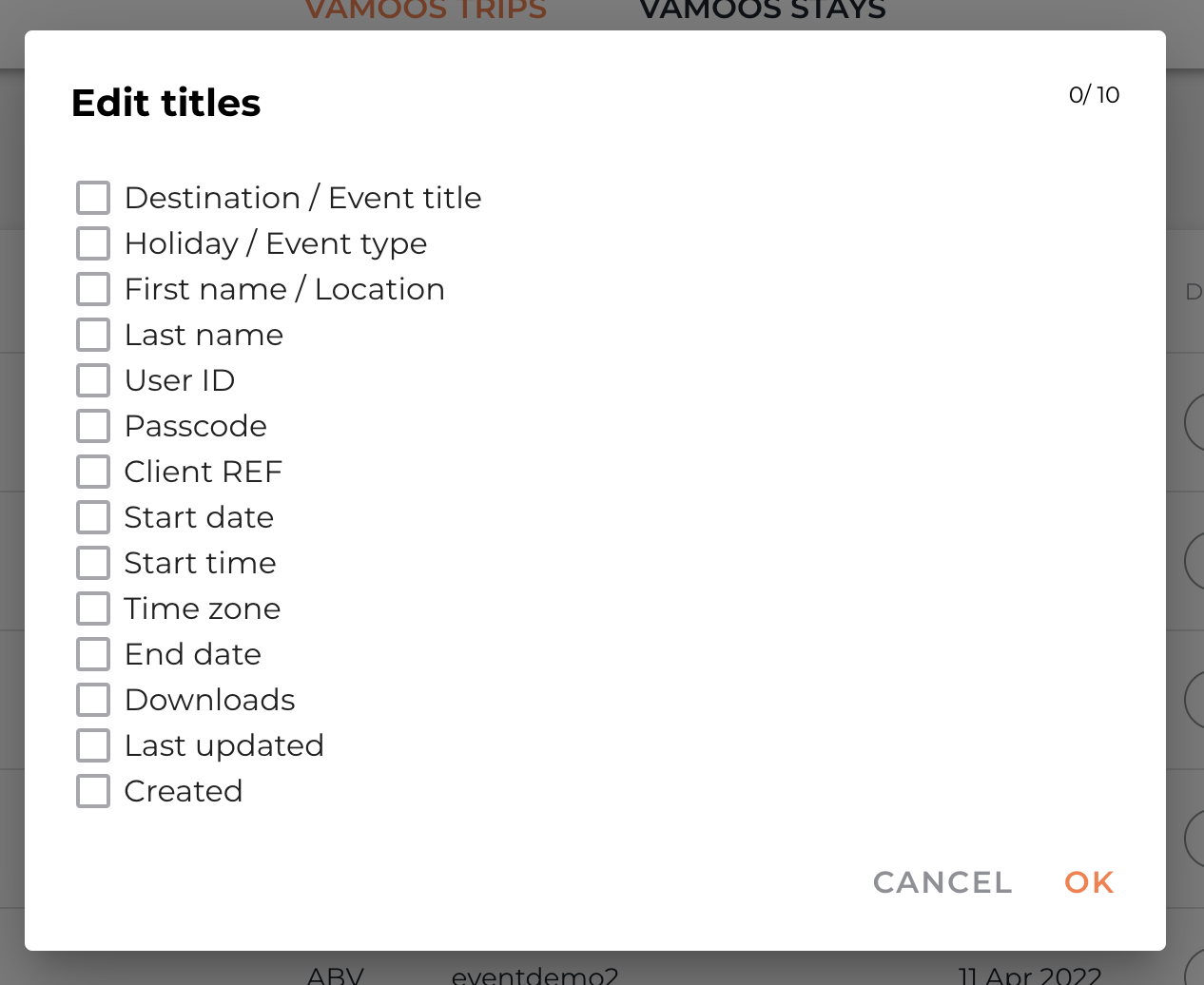
Once selected, you can sort the columns in the order that works for you.
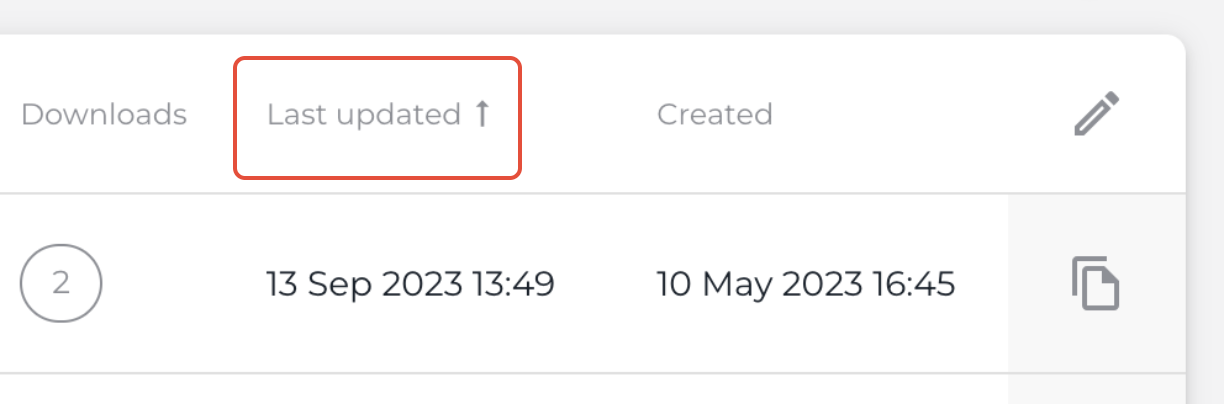
Click a column title — an arrow will appear to show sort direction. Click again to reverse (e.g. earliest date vs most recent).
If you have any further questions or need help with this, you can contact us at support@vamoos.com.
Was this article helpful?
Sorry about that! Care to tell us more?