
Change or reset your password
Edited
✅ For travel companies ✅ For hotels
This article explains how to change or reset your password for the Vamoos Portal.
In this article:
How to change your password
Click the person icon in the top-right of your screen.

Select Account Settings.
Click the pencil icon next to Password.
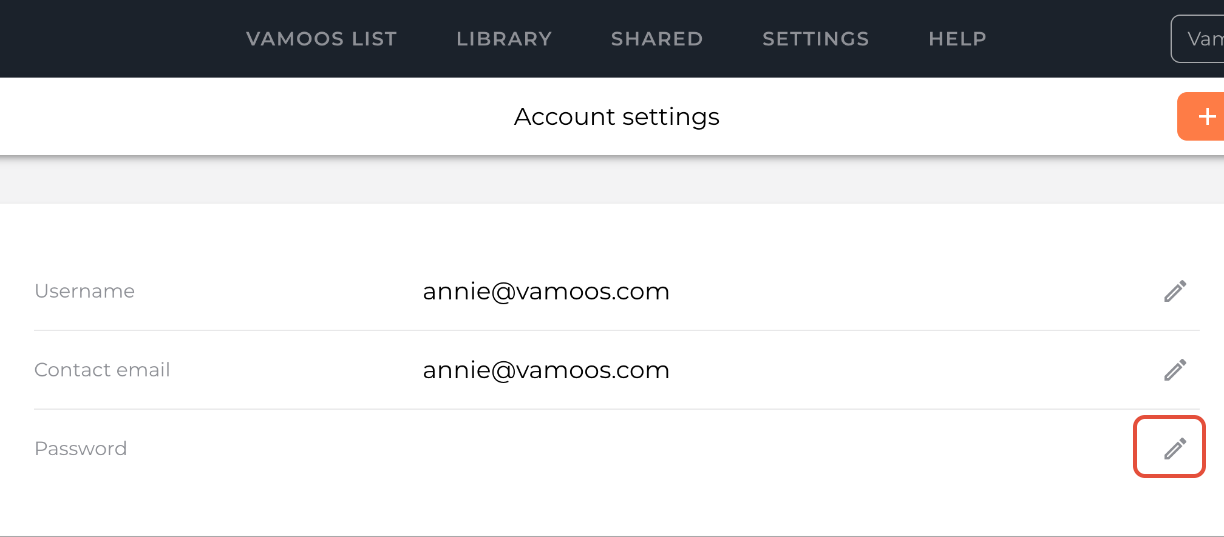
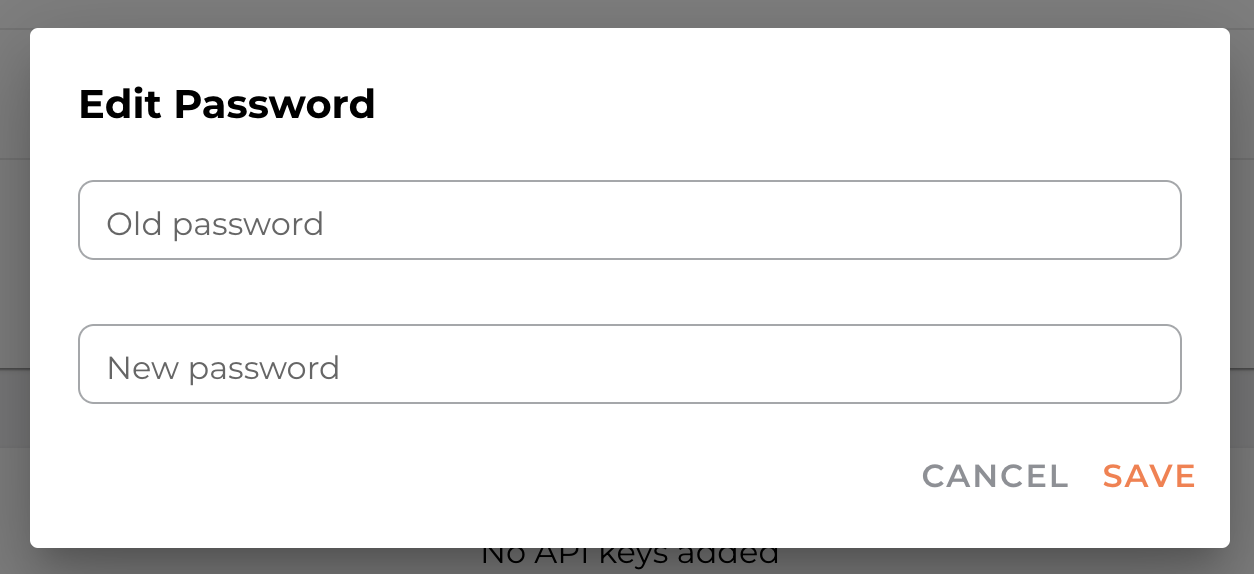
Enter your old password, type in the new password, then press SAVE.
How to reset your password
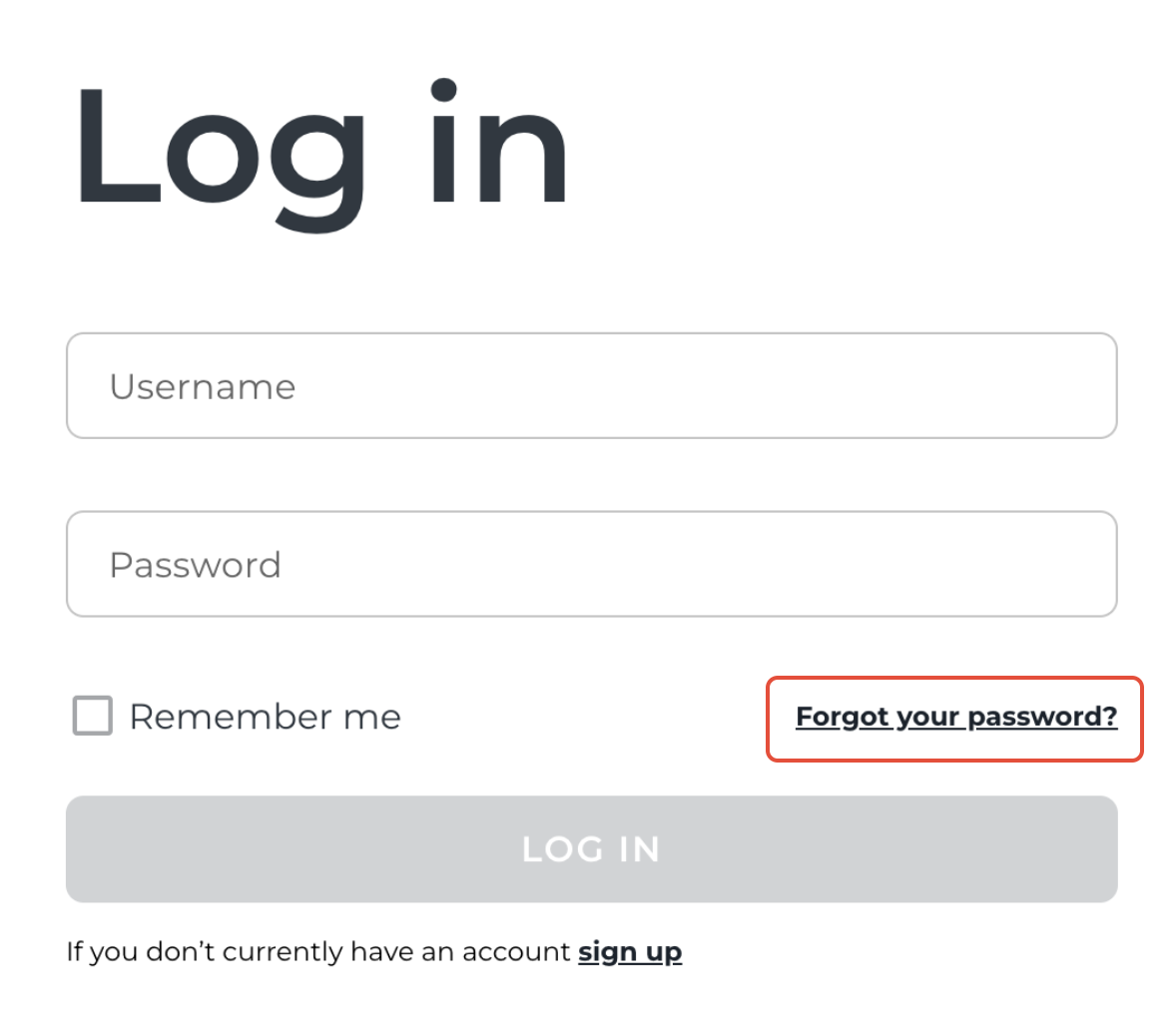
Go to portal.vamoos.com and click Log in.
Select the Forgot your password? link.
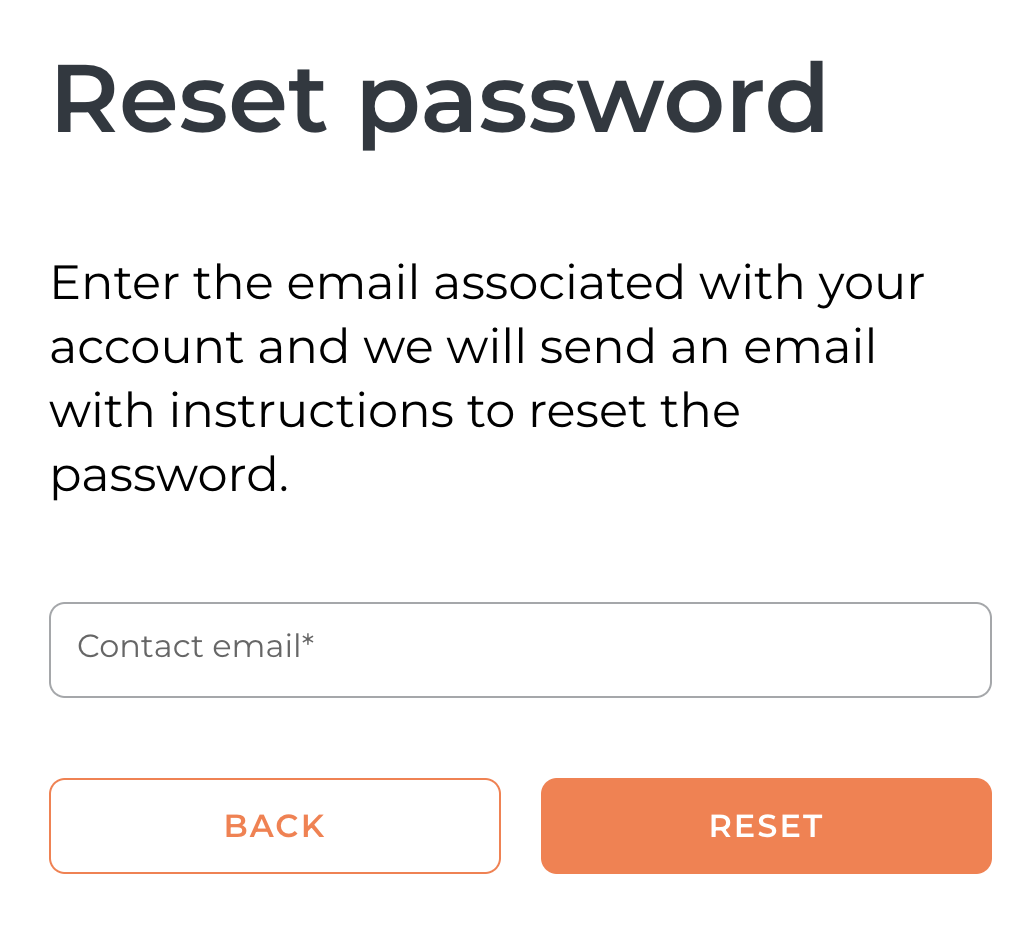
Enter the email linked to your account - a temporary password will be sent there.
Use the temporary password to log in as usual. Do not include the full stop at the end!
Once logged in, change this temporary password to one you’ll remember (following the steps above).

If you have any further questions or need help with this, you can contact us at support@vamoos.com.
Was this article helpful?
Sorry about that! Care to tell us more?