
Gallery: share images of your hotel
✅ For Hotels
The Gallery showcases images that highlight your property and its amenities. Think of it as a digital brochure that visually represents what you offer.
In this article
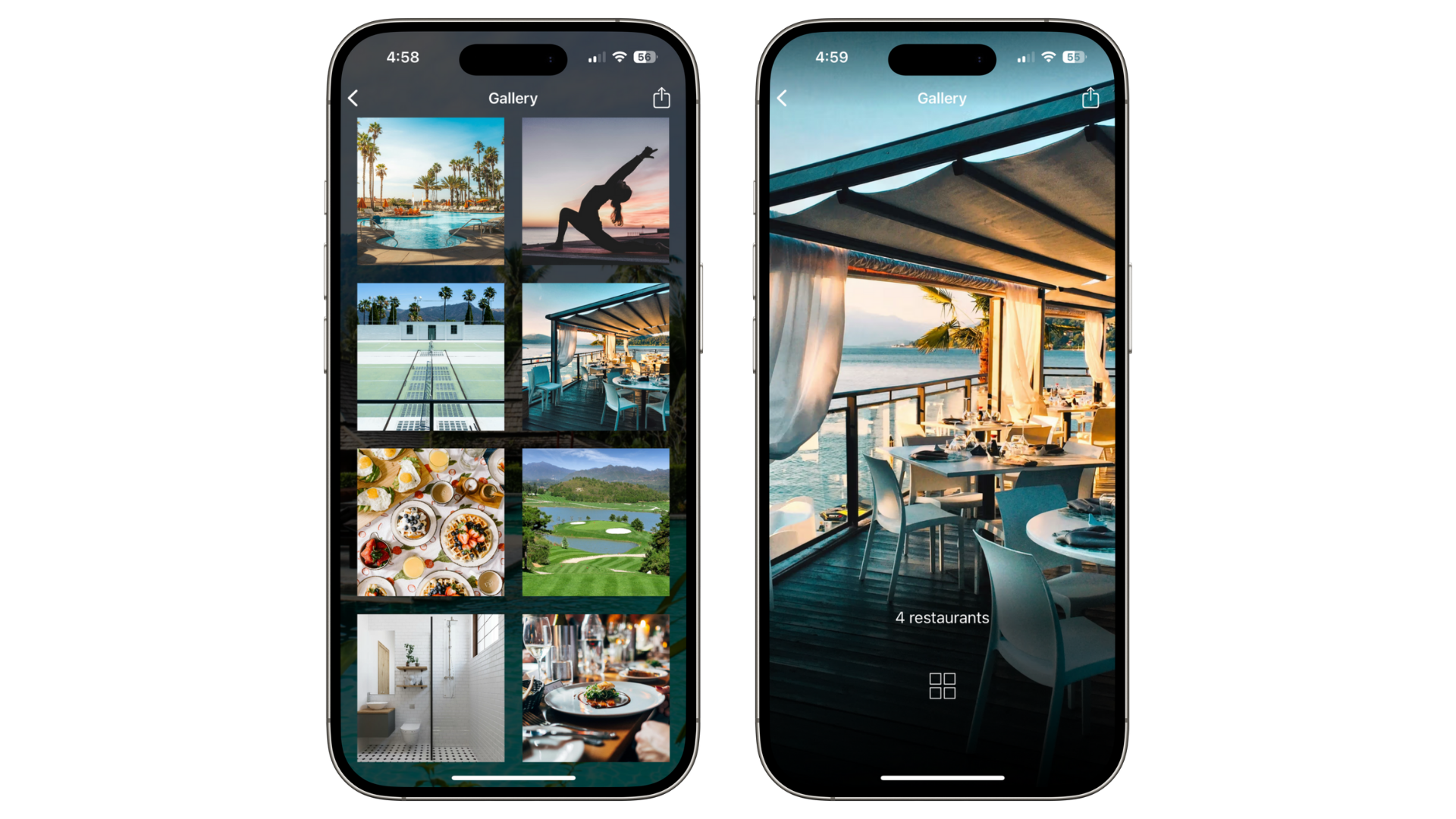
Adding images to your Gallery
From the left-side menu of your Vamoos Stay, select Gallery.
Click Add and choose an image from your Vamoos Library, or upload a new image from your computer.
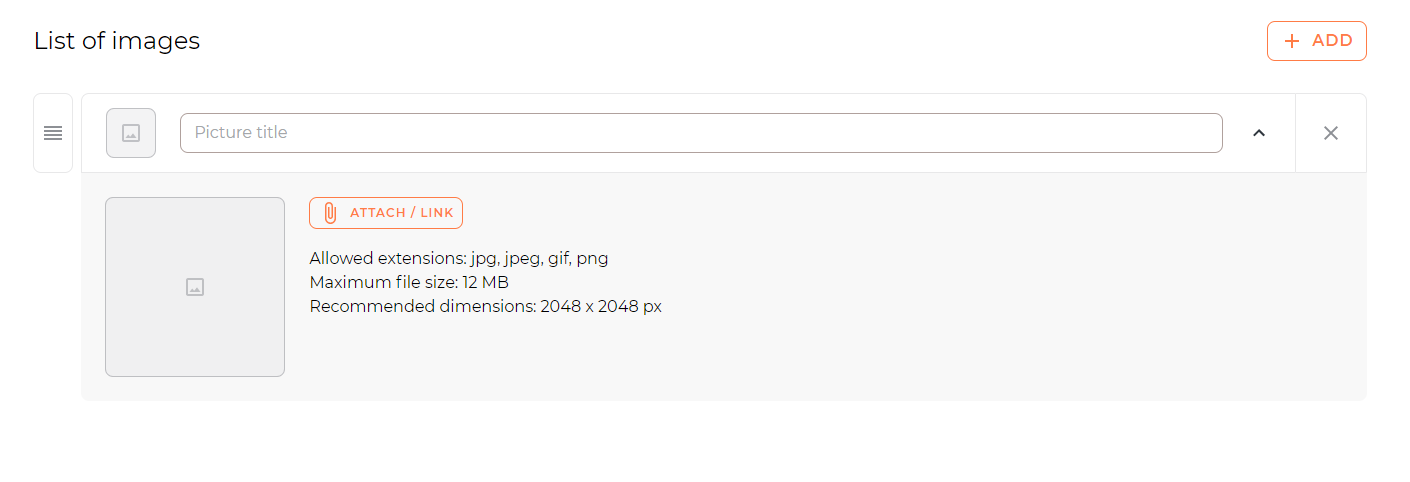
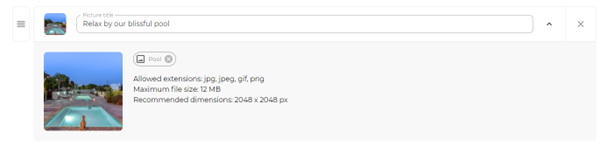
Provide a short teaser introduction for the image (Title/Description up to 180 characters).
You can add as many images as you like, but we recommend limiting to 12 so the app isn’t too large to download.
Reordering images
Drag and drop using the four-line handle to the left of each image to change the order.
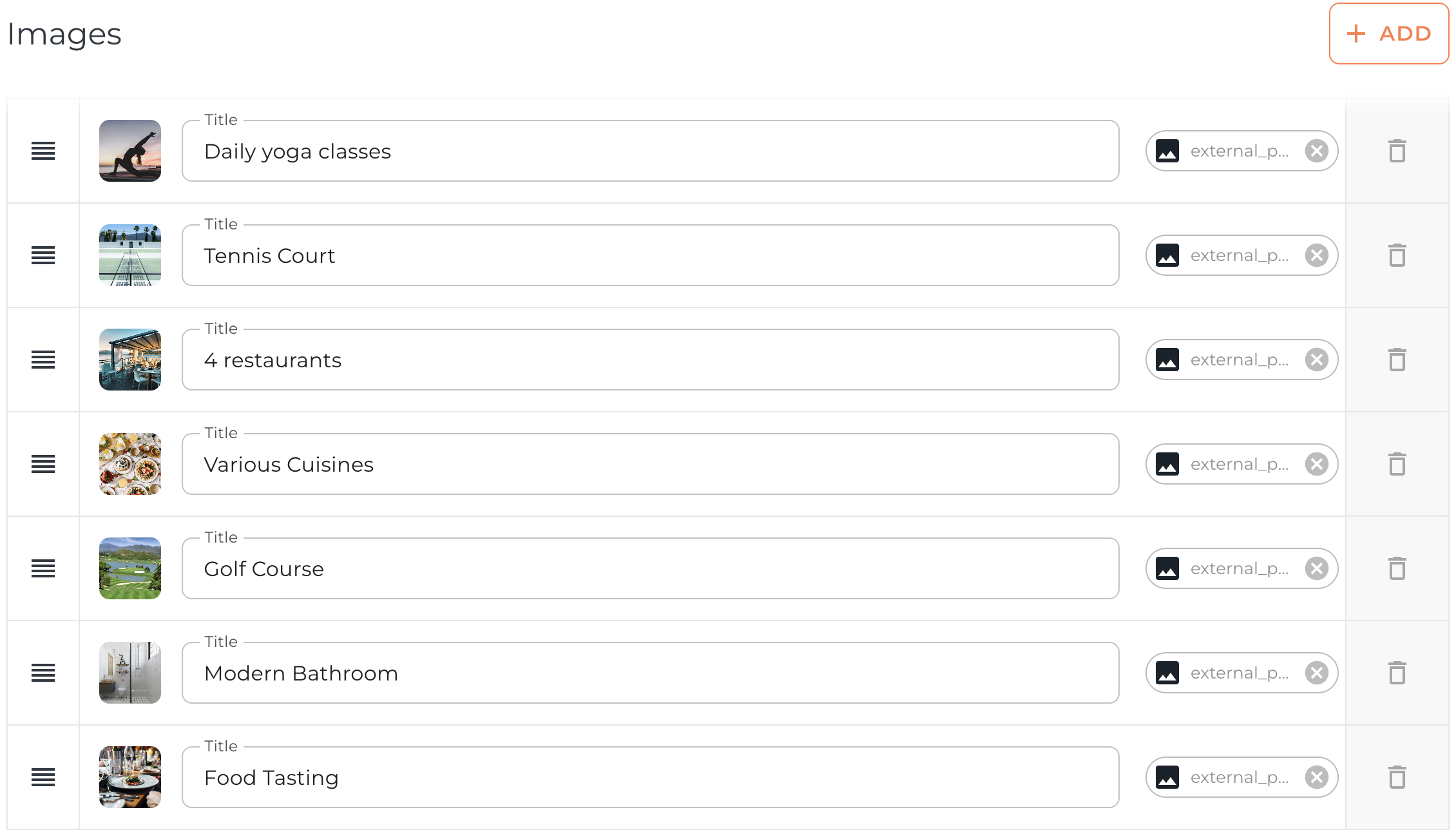
TOP TIP: Treat the gallery like a digital brochure. Sequence images as if a guest is arriving and exploring: entrance → lobby → rooms → dining → facilities → views, etc.
If you have any further questions or need help with this, contact us at support@vamoos.com.