
Actions: encourage your guests to take certain actions
✅ For Hotels & Accommodation
The Actions feature lets you add up to two call-to-action buttons on the home screen of your Vamoos Stay app. Use them to drive bookings, collect reviews, or surface important info.
In this article:
Introduction to actions
Prompt guests to take key actions with prominent buttons throughout the app.
Great for encouraging re-bookings or gathering stay reviews.
Link to your online booking engine or capture bookings directly.
Use actions to surface essential information for quick access.
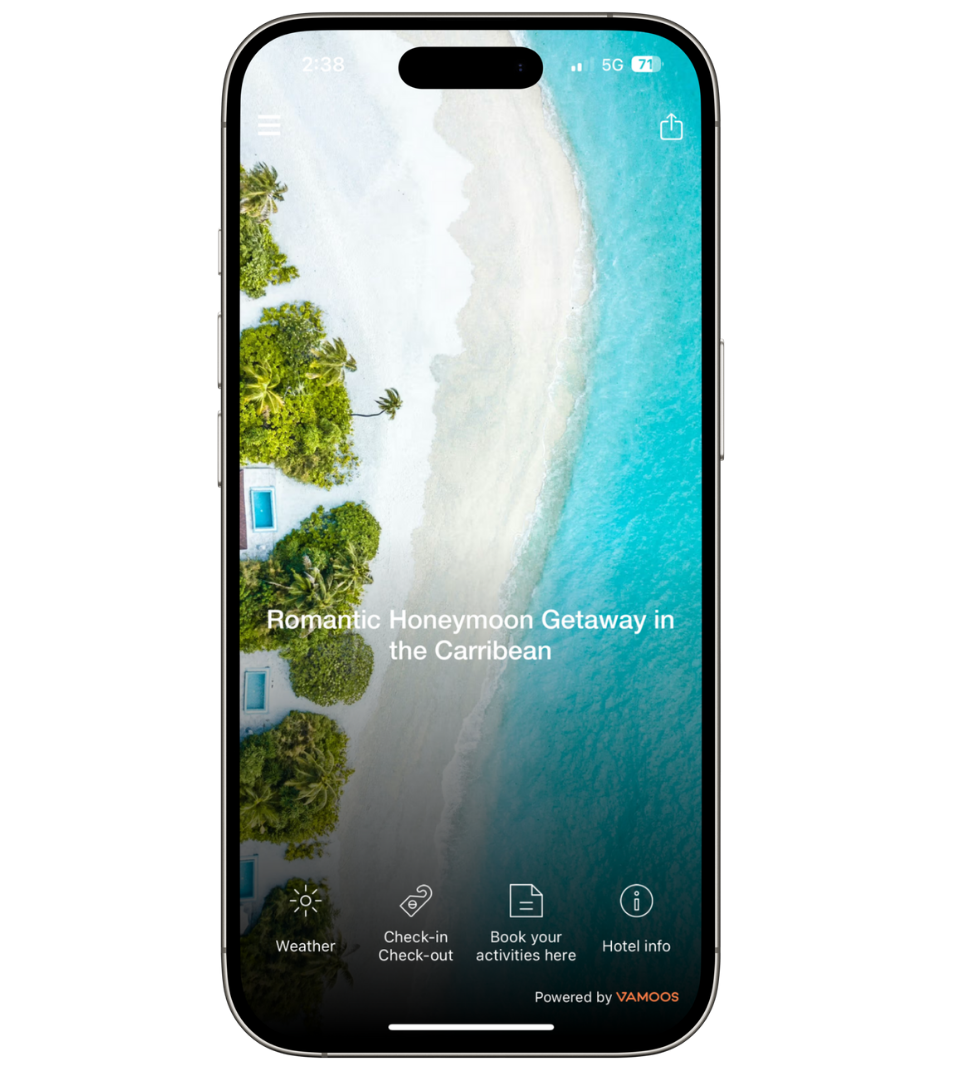
Setting up actions
Open your property and go to Actions in the left-hand menu.
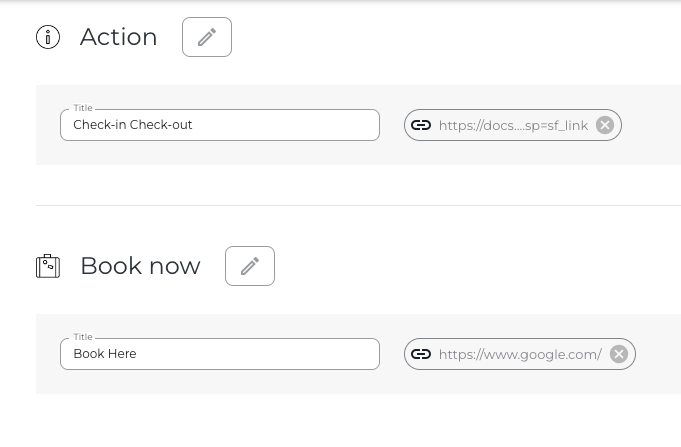
Add the details for your call-to-action buttons.
You can use one or both buttons. Only populated actions are shown in the app.
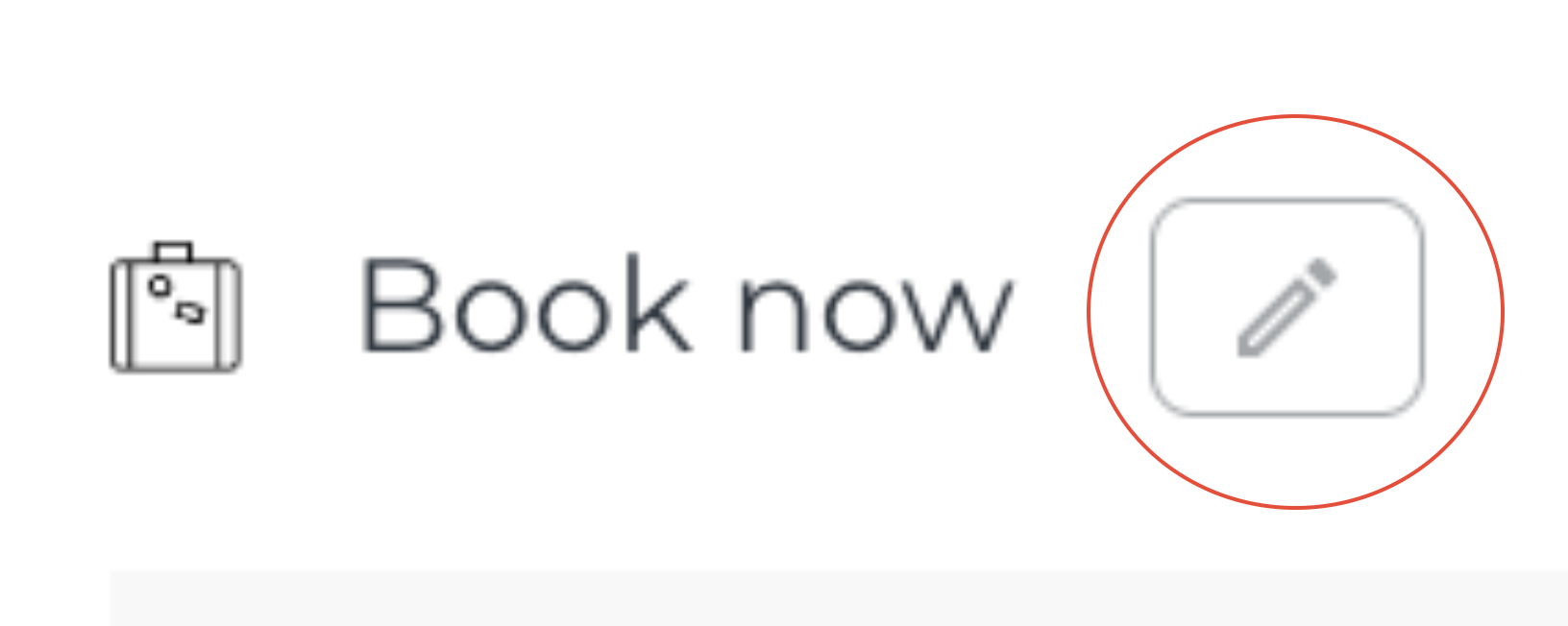
Click the pencil to change the action’s icon.
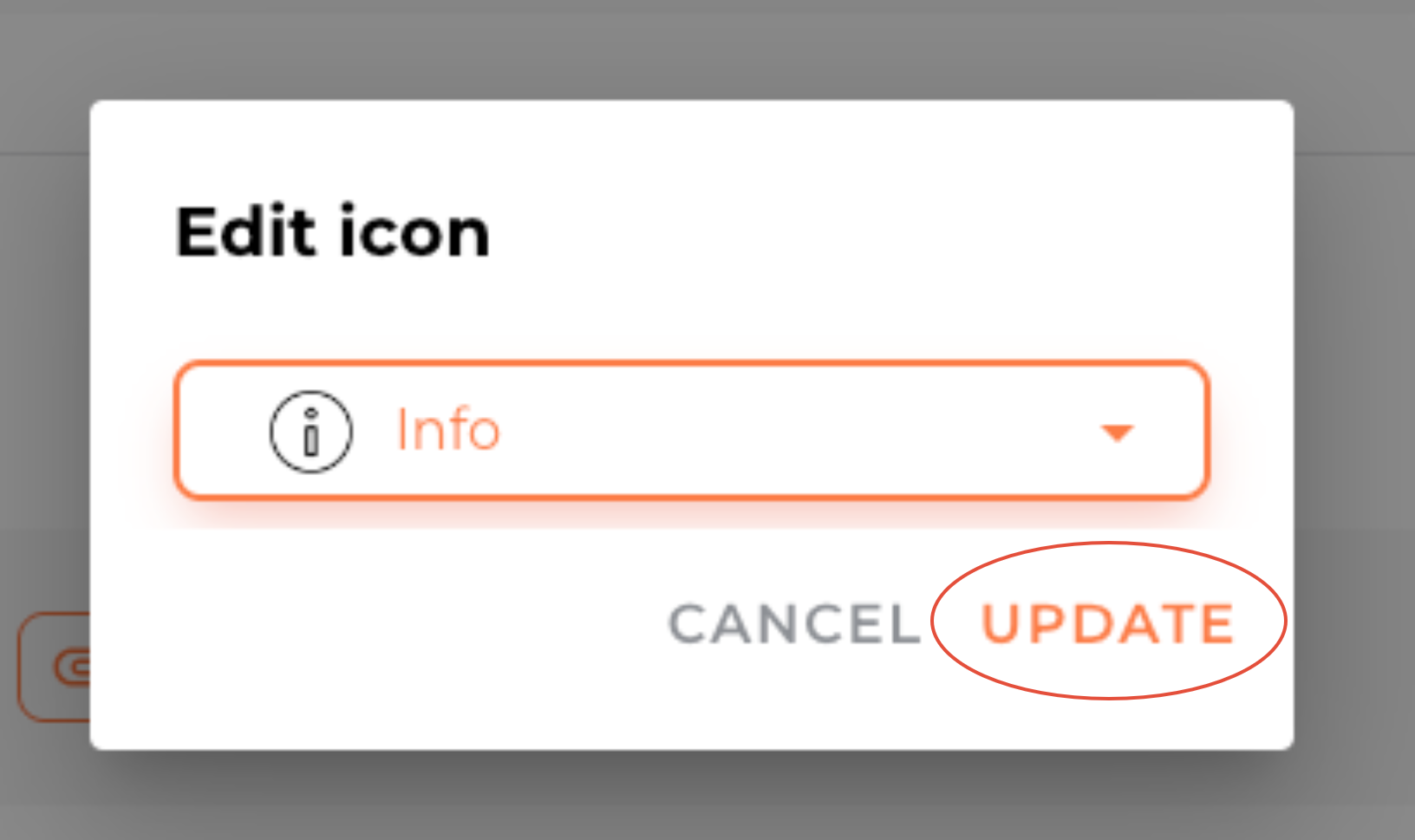
Press Update to confirm the icon change.
Enter the button label in the Title field.
Adding PDF documents or URL links
Click Attach / Link to add a PDF or URL.
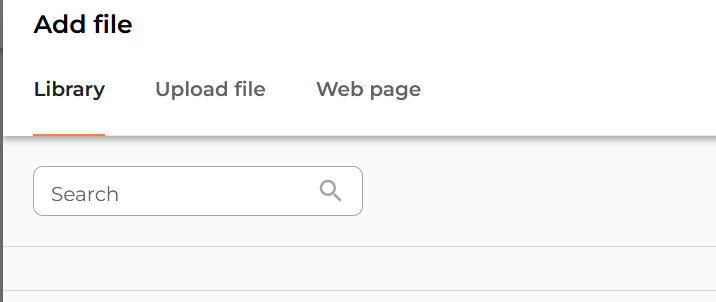
Choose from your Library, upload from your computer, or paste a link.

If you have any further questions or need help with this, contact us at support@vamoos.com.