
Preview: see a preview of your trip
✅ For travel companies
You can now see a mockup of your trip directly from the portal without needing to log in as a client.
In this article:
What is Preview
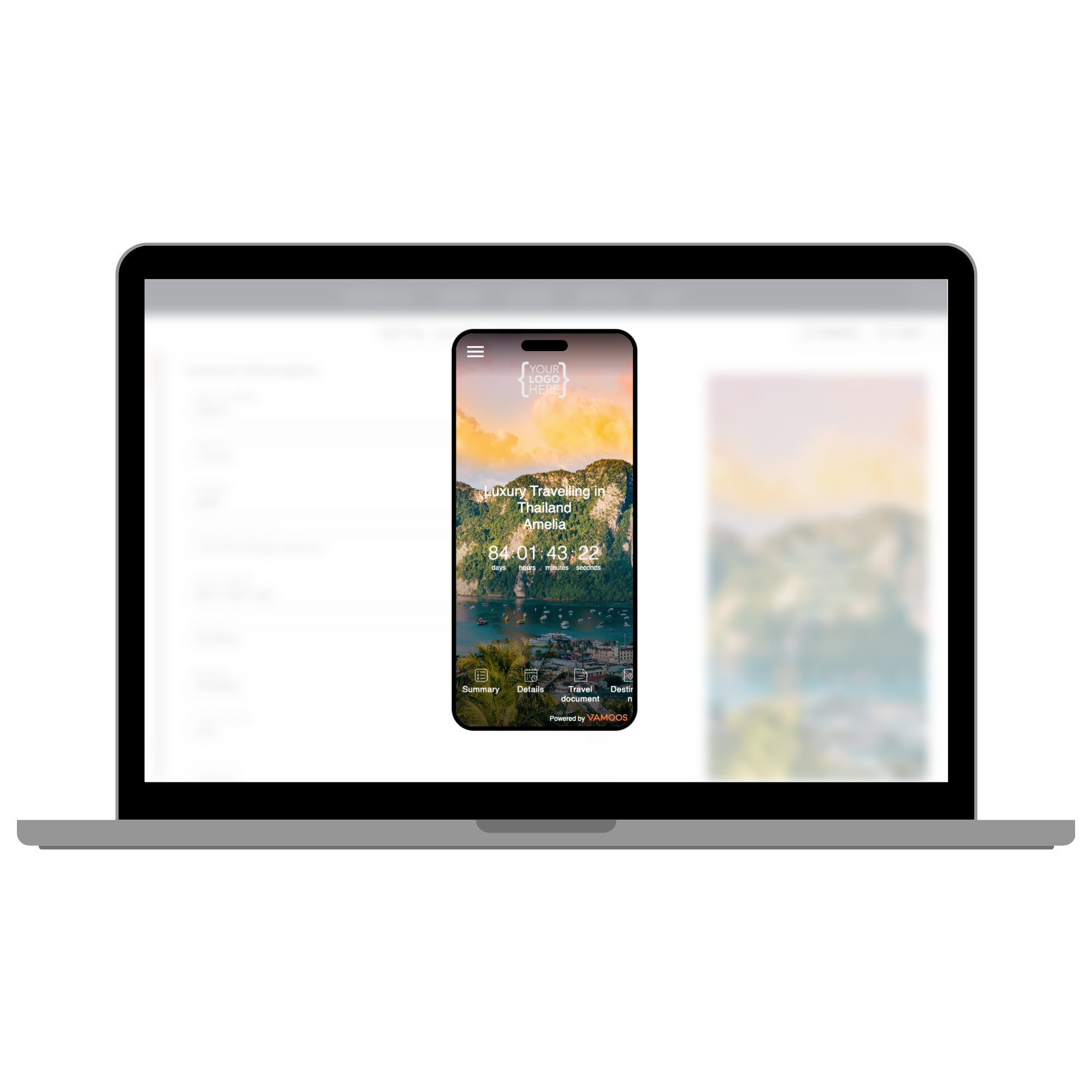
No more logging into client trips just to check them - the Preview function lets you see a mockup directly in your portal.
Preview works via Web Vamoos, meaning it’s fully interactive - you can click icons, click on links, scroll between information, and experience the trip layout as your travellers would.
How to use Preview
Open your trip in the Vamoos Portal.
Press the PREVIEW button at the top right of the screen.
The button will only be active after you’ve saved your changes.
Preview is available on all screens in Vamoos.

PLEASE NOTE: The Preview feature is a mockup and may not exactly match what travellers see on their devices. Use it as a guide, not a final version.
If you have any further questions or need help with this, contact us at support@vamoos.com.