
Using Vamoos for quoting
✅ For travel companies
Vamoos can be used as a quotation tool — send a URL with a stunning visual itinerary and quote, or attach an auto-generated PDF proposal. When your customers pay their deposit, their itinerary is ready to go in the Vamoos portal. Just add final details and give them access to the app.
In this article:
Sending a URL with a quote
The quotation tool in Vamoos is called Instant View. It creates a visual proposal with a branded home screen, countdown timer, storyboard itinerary, and maps. You can also add pricing by including a storyboard frame at the end.
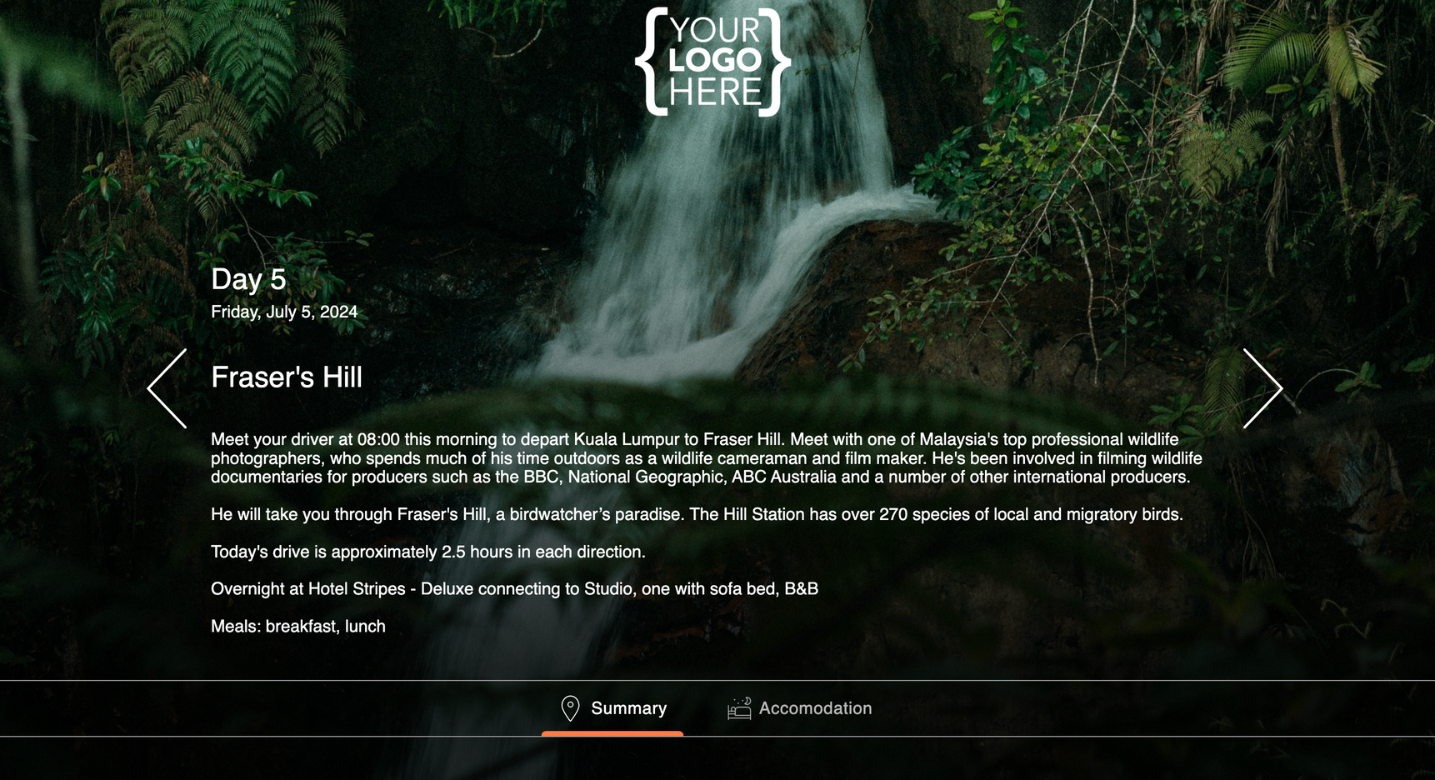
TOP TIP: To create a pricing frame without a date, add a # before the day title in the storyboard.
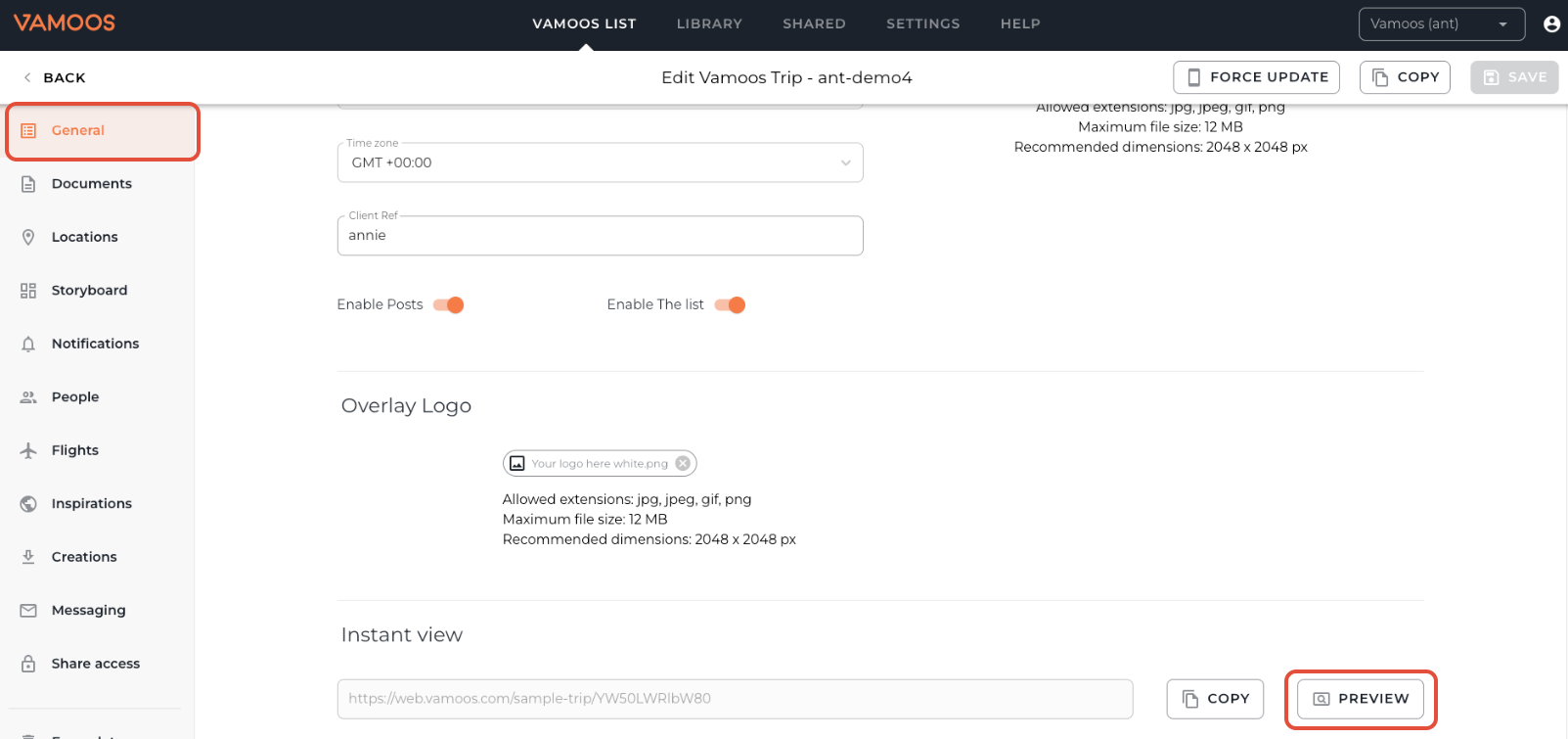
Once your storyboard content is added, you’ll find the Instant View link at the bottom of the General section of the trip.
Click Copy to copy the link, or Preview to open it in a new tab. You can then share the link with your prospective clients.
PLEASE NOTE: The Instant View link only appears once you’ve added day-by-day content in the storyboard. If it’s blank, you won’t see the option.
Sending a PDF with a quote
The second method is using the automatic PDF generation tool called Creations. See our full guide on how to create these here.
To add pricing to a PDF, use the Front Page Notes or Last Page Notes sections. These insert extra pages where you can include custom details.
If you have any further questions or need help with this, contact us at support@vamoos.com.