
Flights: add details and provide live alerts
✅ For Travel Companies
Ensure your travellers have up-to-date information for their upcoming flights through live alerts. Add both commercial and private flights!
In this article:
Introduction to Flights
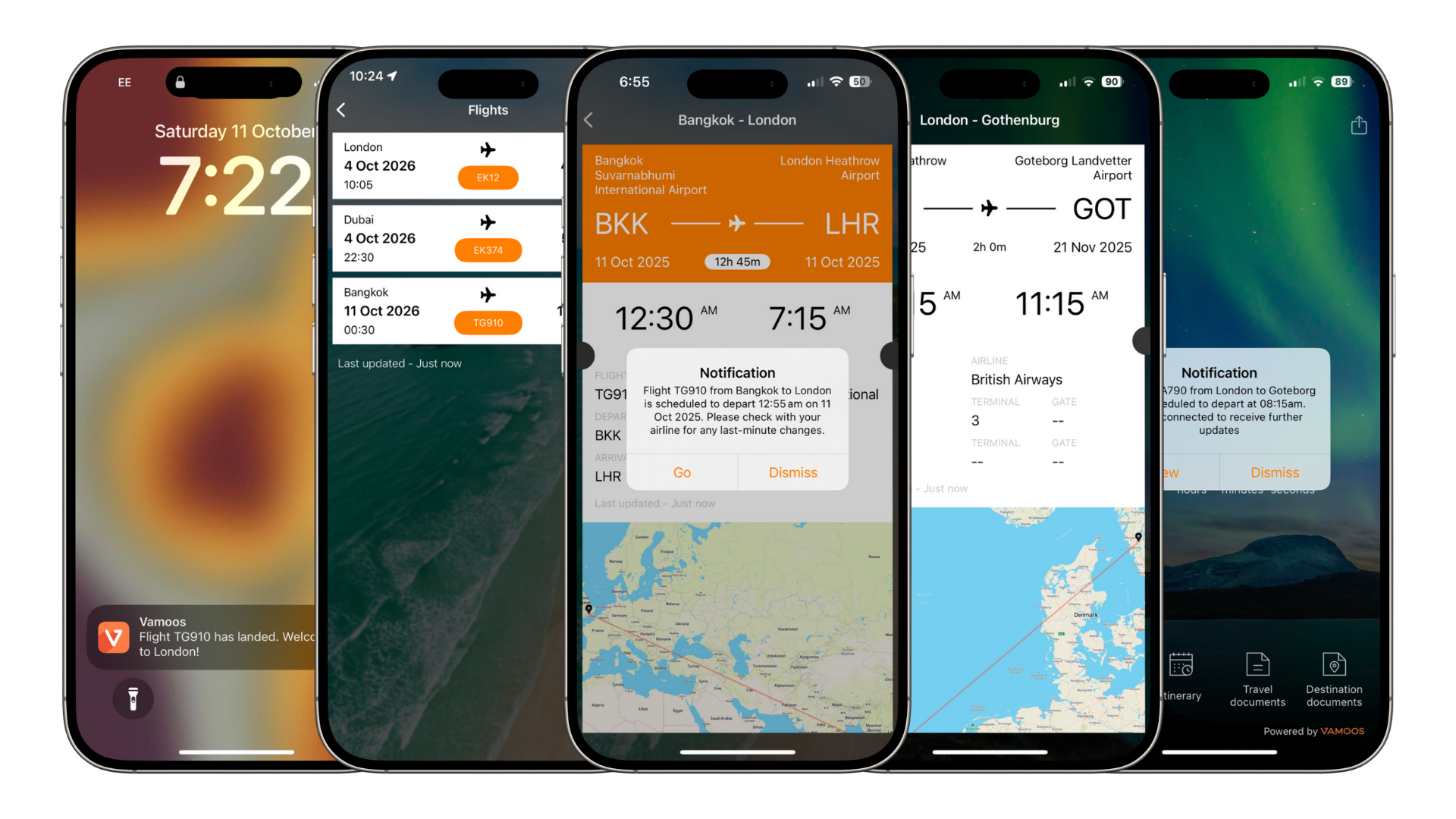
The Flights section gives users all the key details for their journey, delivered straight to their device via notifications:
24 hours before: notification to draw attention to the flight and status
3 hours before: confirmation if flights are on time or if there are changes
Instant notifications of delays, cancellations, or time changes
Departure gate alert (where supported by the airport)
Welcome message on arrival at the destination airport
Baggage reclaim details (when available)
Adding a Flight
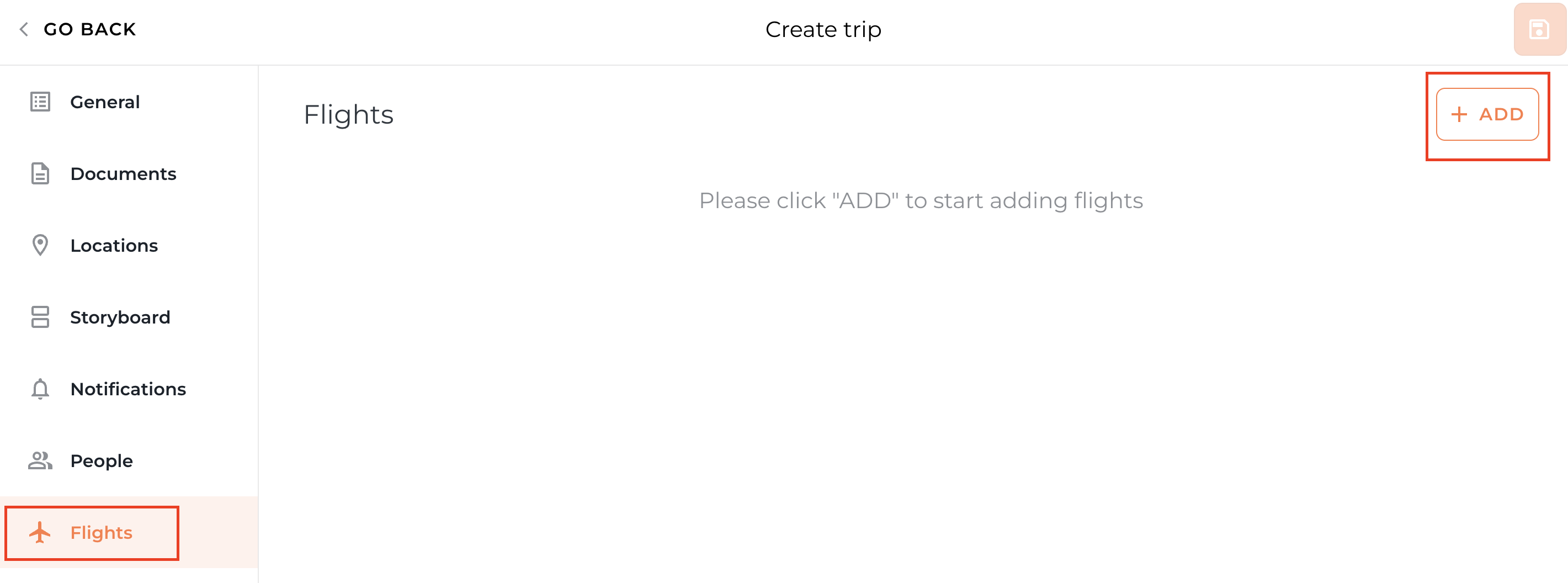
Go to your Vamoos List and open or create a trip. Select Flights from the left-hand menu.
Click + ADD
Enter the airline code, flight number, and date, then press Search.
Tick the correct flight from the results (you may need to scroll down) and press Add Flight.
Top Tip: If adding flights with stopovers, be careful to select the correct record — you’ll see options for the whole journey or each leg separately.
Manually Adding Private or Charter Flights
The flight tracker covers IATA-registered commercial flights. For private or charter flights, you’ll need to add them manually.
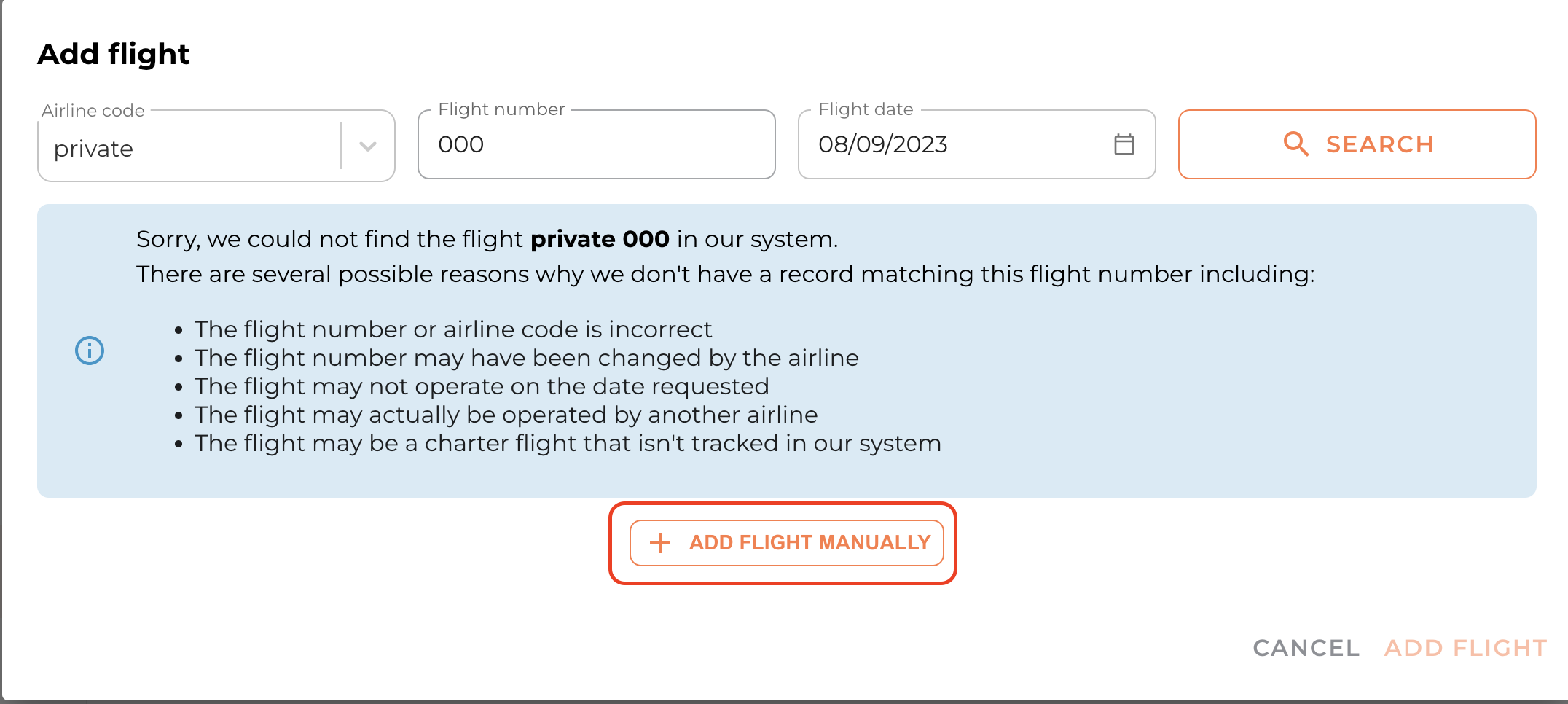
Enter the flight details and press Search. If not found, you’ll see the option to Add Flight Manually.
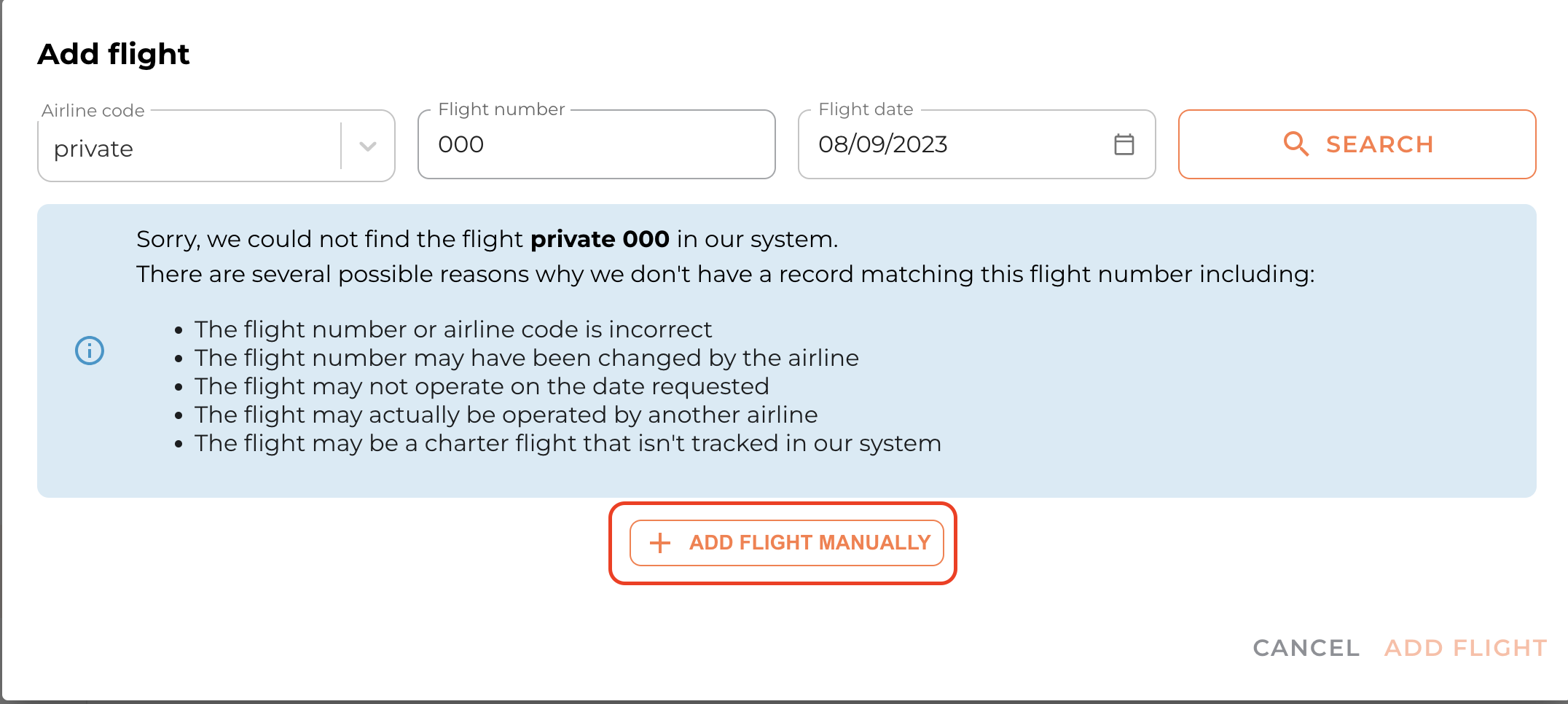
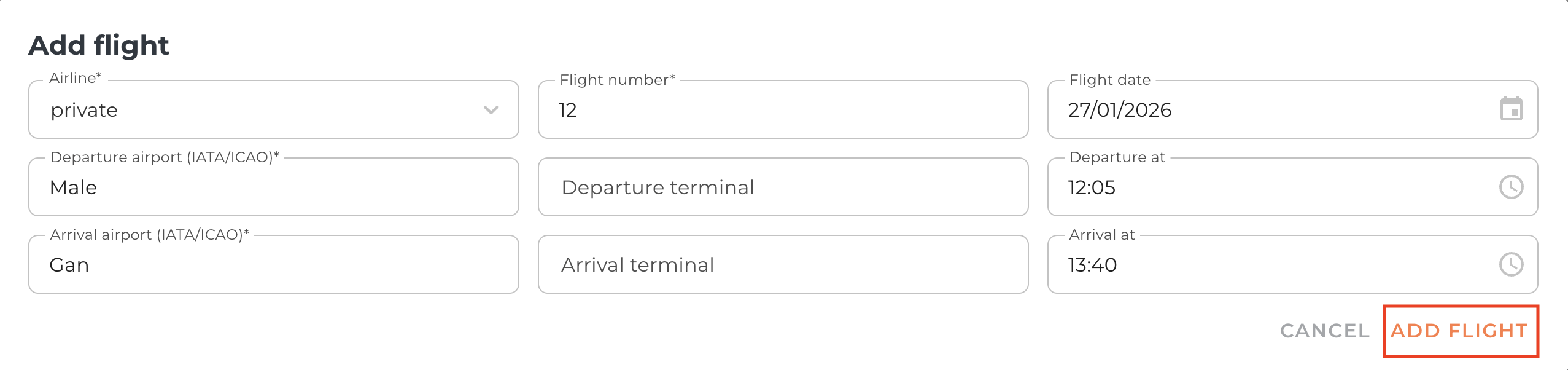
Fill in the relevant details:
Airline Code: free-type the charter company or enter “Private”
Flight Number
Flight Date
Departure & Arrival airports: using IATA or ICAO codes
Departure & Arrival terminals: optional
Departure & Arrival times: in local time
Top Tip: If you have the People section set up, you are able to personalise and restrict who has access to the flight information.
FAQs
Q: Are flight notifications available offline?
A: No, flight notifications require internet to come through.Q: What if I can’t find my flight?
A: We use a third-party IATA database. If your flight isn’t listed and isn’t IATA registered, you can add it manually.Q: How can I find an IATA or ICAO airport code?
A: You can look up airport codes online, e.g. via world-airport-codes.com.Q: I don’t know the flight number for my private flight, what do I do?
A: Enter a placeholder number — a flight number is required to submit.Q: Are flights linked to a PNR? Will changes update automatically?
A: No. Our flight tracker is schedule-based, not PNR-based. If a flight is cancelled and rebooked, you’ll need to update it manually.
If you have any further questions or need help with this, contact us at support@vamoos.com.