
Photobook: print your digital diary
✅ For Travel Companies
Immerse your clients in a unique post-travel experience with our latest feature – Photobook.
In this article:
Introduction to Photobook
Clients can upload their travel photos to the app, creating a digital diary of their experience.
You can choose to cover the costs and offer the books as gifts, or let clients pay directly. Either way, they can preview and order in-app.
The feature is simple to use, with ready-made comms you can send to clients.
Overall, implementing the feature involves minimal work on your part, but really elevates your client’s post-travel experience and encapsulates their trip memories into a beautiful book!
Adding photos & captions
First, make sure the Posts section is turned on.
Clients can upload their images and notes directly in-app during or after their holiday, or via WebVamoos.
Photos can be taken in-app or uploaded from the camera roll and assigned to the correct trip day.
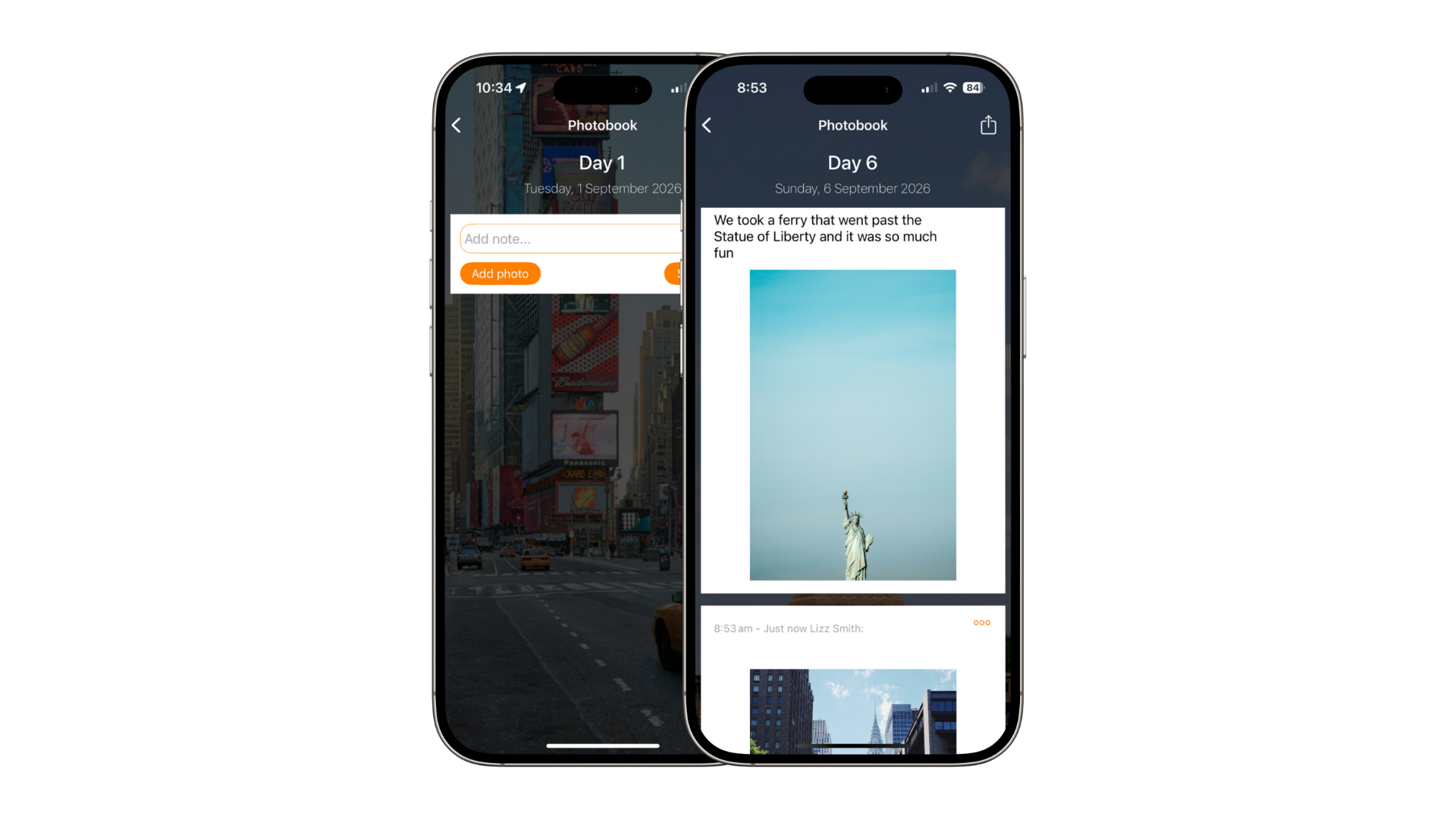
TOP TIP: Rename “Posts” to “Photobook” in your Menu & Labels for a more client-friendly feel.
Previewing the Photobook
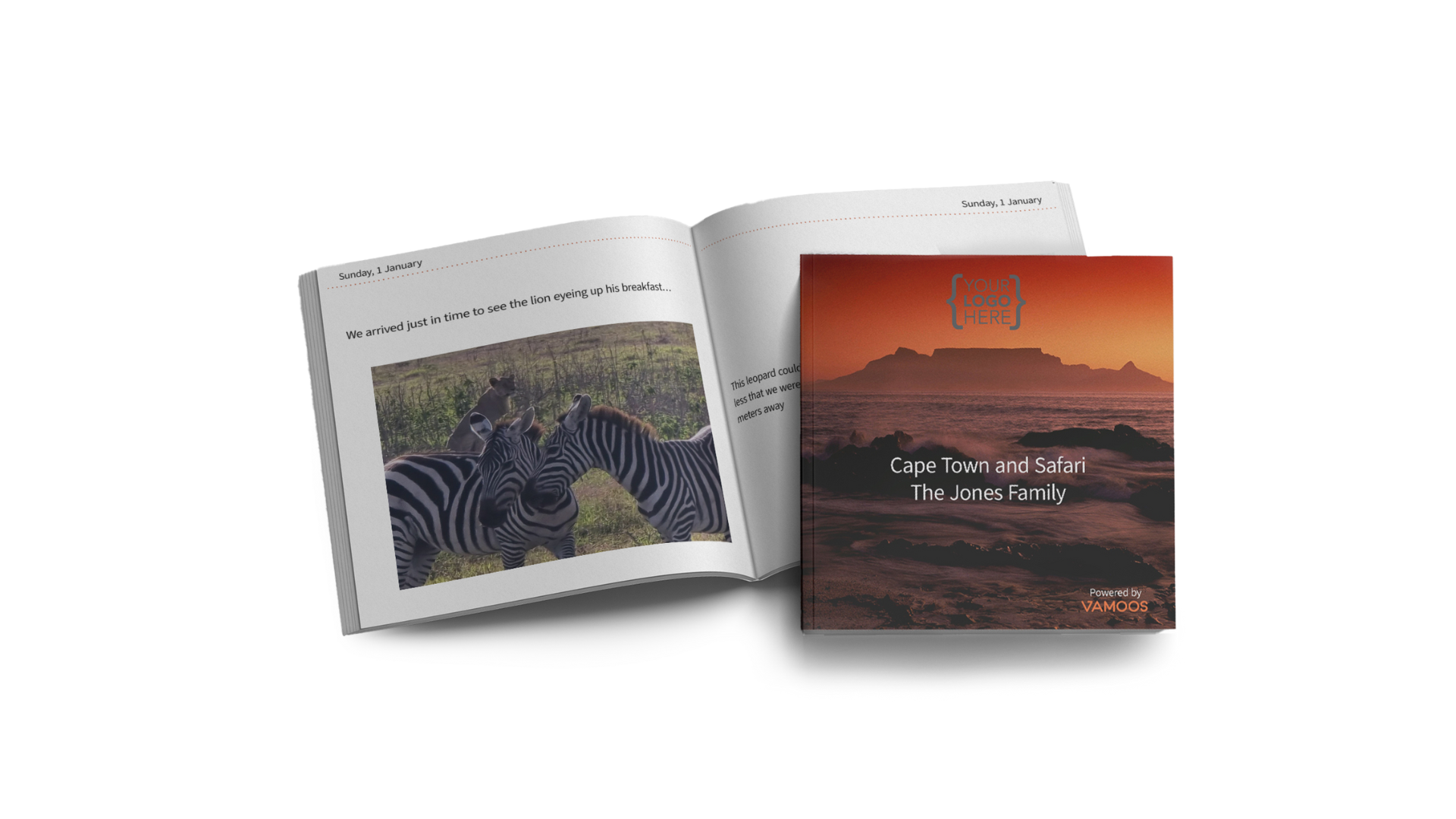
Once clients add their photos/notes, the Photobook is auto-generated – no building required.
From the app: tap the shopping trolley icon in the Photobook section (only if enabled for your company – contact us to switch it on).
From the web: go to photobook.vamoos.com and enter User ID & Passcode to preview.
Customising the Photobook
Move or delete photos: in-app or on WebVamoos, tap the 3 dots to rearrange or delete.
Edit captions: shorten text if it spill onto another page, then refresh the preview.
Include storyboard images: choose on the Photobook ordering site whether to include them as section dividers.
TOP TIP: Storyboard images always sit on the right-hand page. If you see a blank left page, add an extra image to the previous day.
Ordering, postage and payment
Once happy with the preview, click Order Now, enter delivery details, and pay.
Delivery is available to the UK, EU, and USA (full list on the ordering page).
Cost: £30 for the first 20 pages, then £1 per extra page up to 120 pages (+ postage).
Payment Option A: Give a free book to your clients. You can choose to cap the number of books that can be ordered from each trip. Your clients can then order their book via the shopping trolley icon in the app, and wont have to pay – we’ll invoice you for these at the end of the month, including a discount off list price. (Note these are a maximum of 120 pages long).
Payment Option B - Your clients order directly from us. Your clients can order from us directly, and enter their delivery address & payment details on the photobook ordering site.
Key actions
Contact us with:
Your choice of payment option (A or B).
Whether to enable the in-app shopping cart.
Send comms to your clients announcing the feature:
Email templates and a how-to guide are ready for you.
We can add fixed Photobook notifications to every trip on your account.
Note: If you would like to activate the Photobook for your account, please email us at support@vamoos.com. For any questions, take a look at our FAQ’s below or pop us an email!
FAQs
Q: Is the book branded?
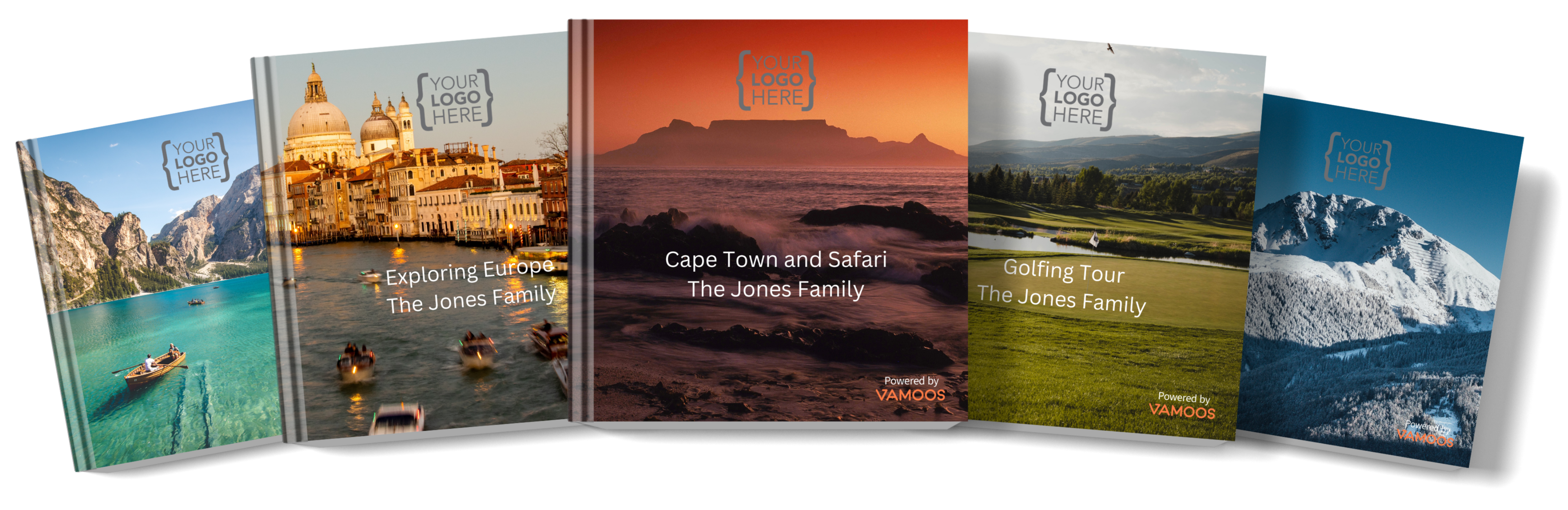
A: Yes – your logo is on the front cover.Q: Are our images included?
A: Yes – your chosen homepage and storyboard images appear as section dividers (your clients have a choice of this).Q: What about privacy?
A: You must not view clients’ photos without their permission.Q: Can clients choose which photos are printed?
A: Yes – they can edit photos before ordering.Q: How much does it cost?
A: £30 for 20 pages + £1 per extra page, up to 120 pages (+ postage).Q: How many photos per page?
A: One photo per page, with its caption.Q: Do you ship worldwide?
A: Currently UK, USA, and most EU countries (see ordering page for full list).Q: What will Photobook notifications say?
A: We’ll share full wording before you go live.
If you have any further questions or need help with this, contact us at support@vamoos.com.