
Vamoos for golf travel companies
✅ For travel companies
In this guide, you’ll find our top tips and recommendations for golf travel companies to maximise your use of Vamoos!
In this article:
Documents
Under Travel Documents, upload everything relevant to the non-golf part of the trip — boarding passes, itineraries, lodging details, packing lists, visa information, city guides, etc.
Under Destination Documents, upload scorecards, live scoring links, and golf club websites so travellers can easily access course maps, dining, facilities, and more.
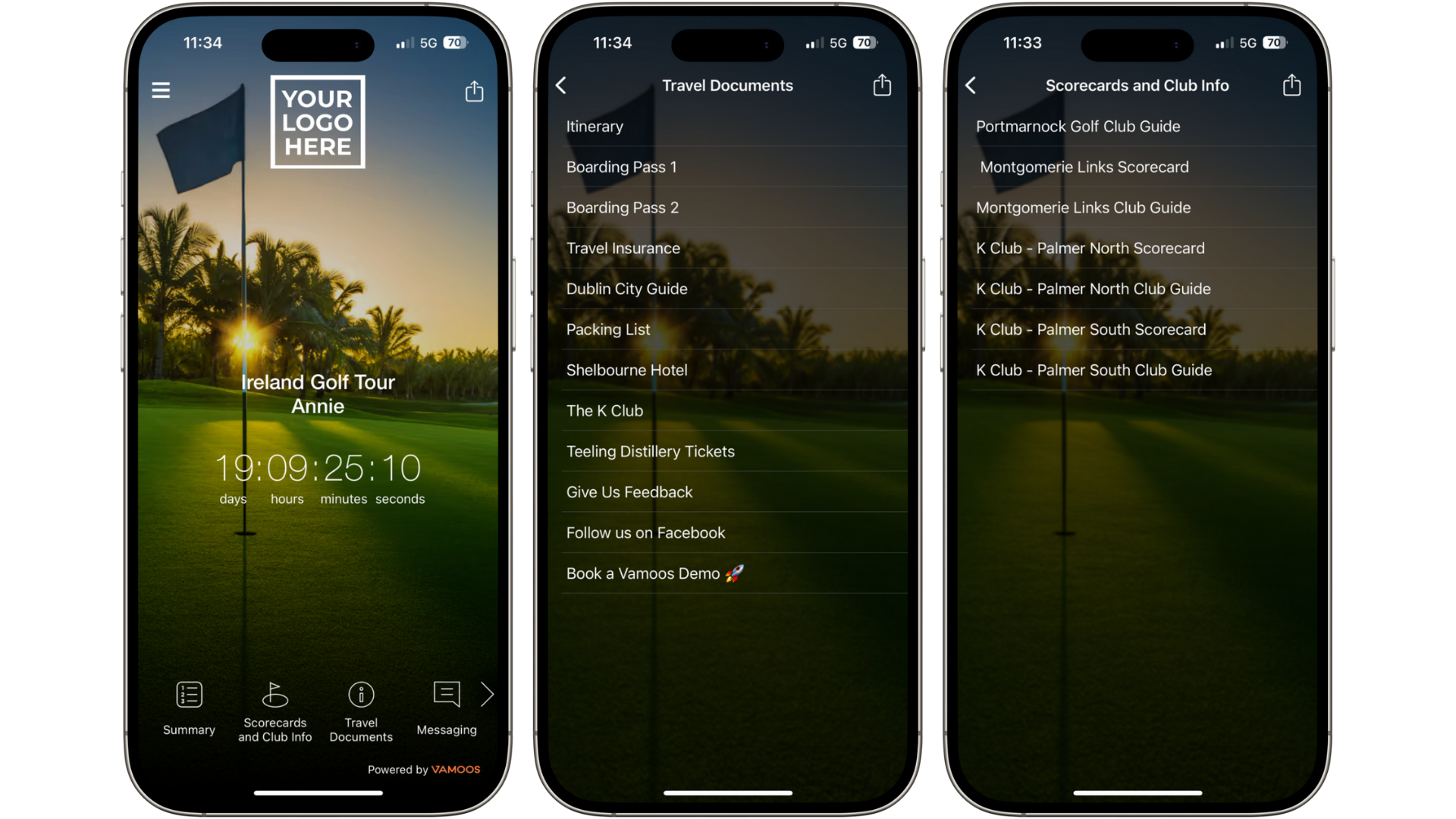
TOP TIP: You can rename the Destination Documents sections to be more golf-specific.
Locations
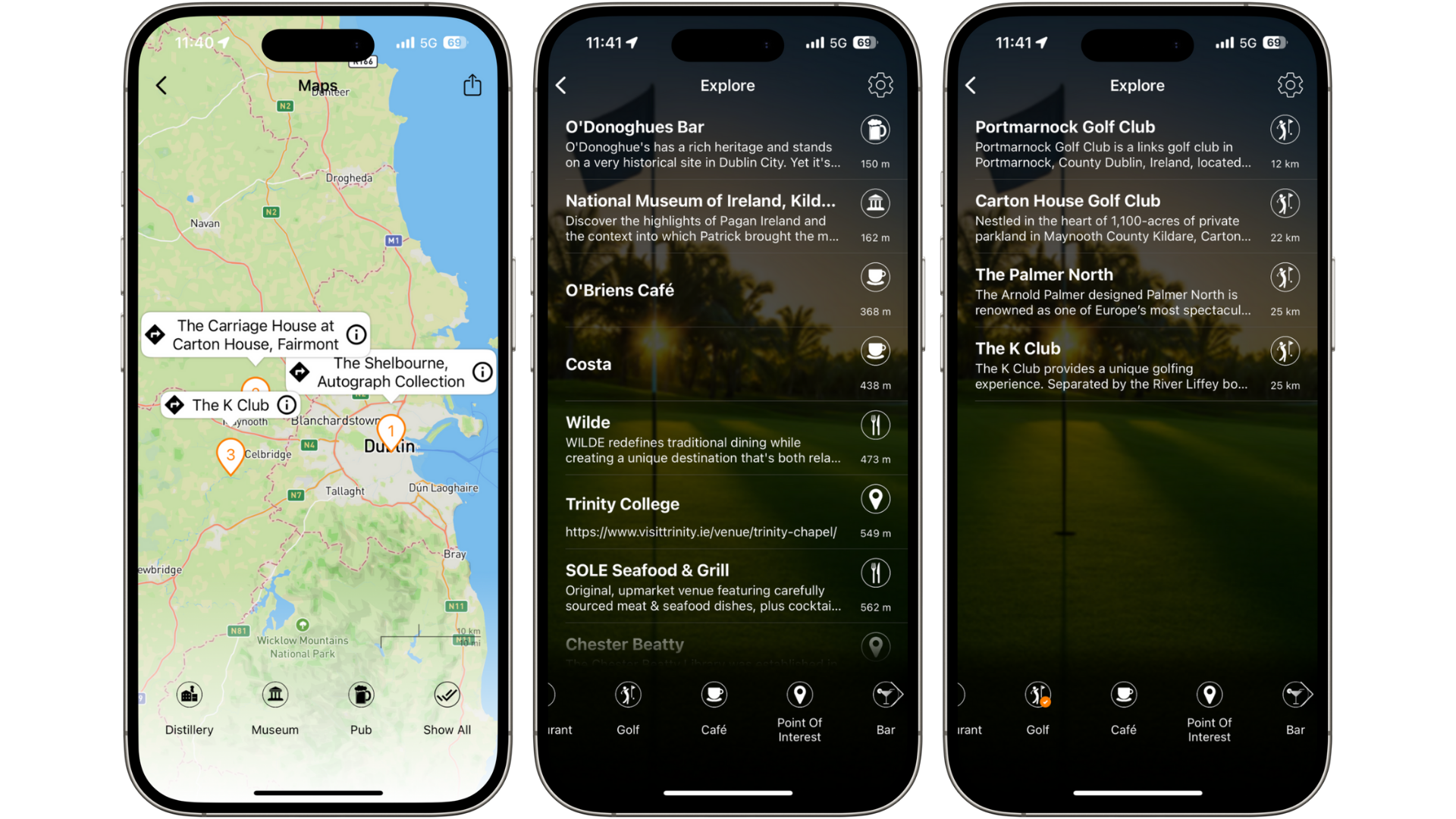
Add hotels/accommodations as main locations, and everything else as Points of Interest (POIs).
The most important POIs are golf clubs and courses. Select the Golf icon, link to the course website, and let clients filter Maps & Explore for golf locations only.
Add additional POIs such as restaurants, nightlife, and city attractions. For relevance, set the POI range to 10–30km from accommodations and courses.
Storyboard
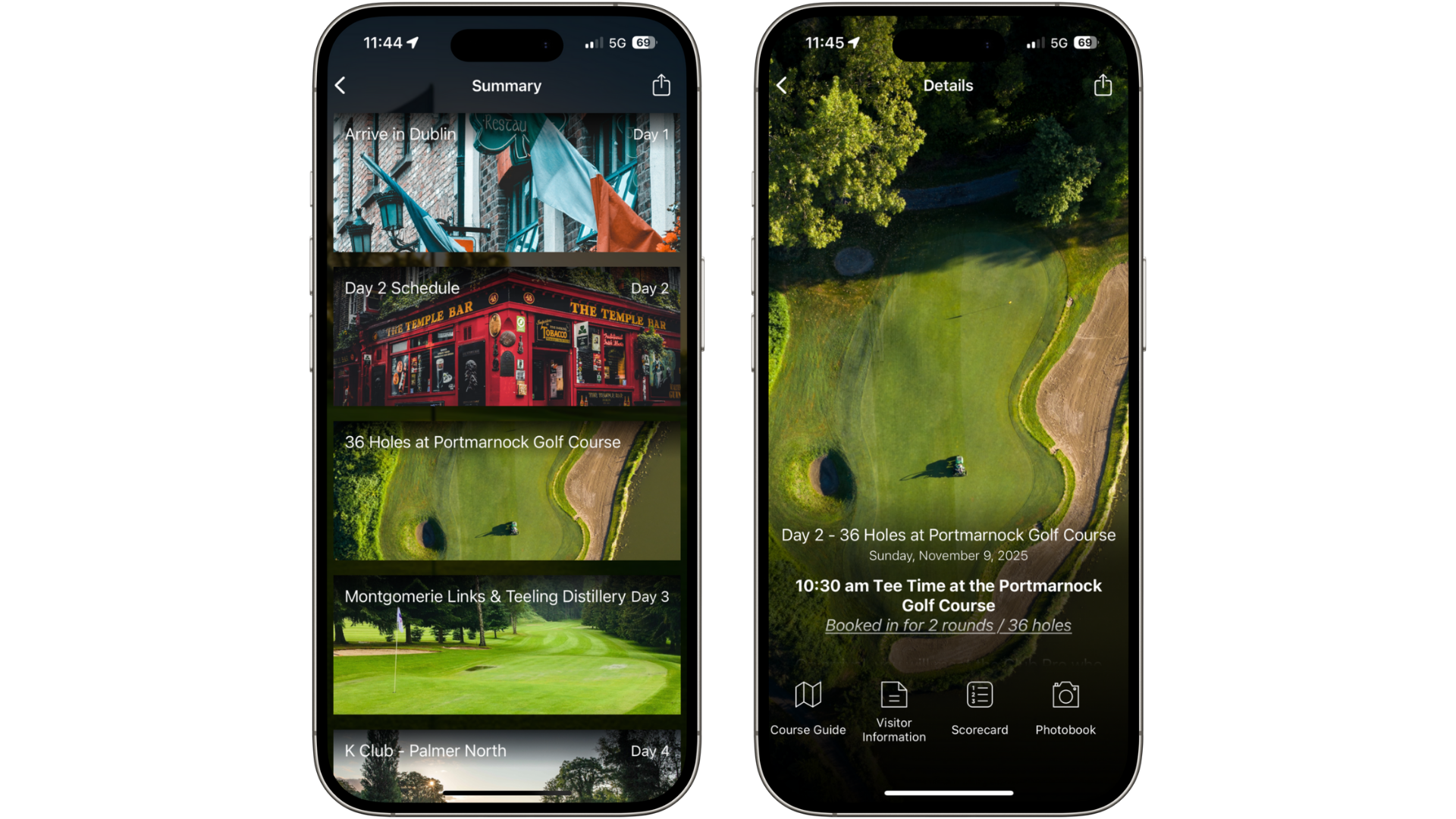
Choose photos that highlight the full course and scenery — avoid blurry or busy images. This gives clients a preview of the day to come.
If one day has too much information, split into multiple frames (e.g., one for tee times, one for evening activities).
Add crucial documents beneath each day: course guides, live scoring links, and menus.
Notifications
Send timely notifications to keep clients informed.
Example: The night before each tee-off (8–9pm), remind clients of tee times & locations. On the morning of, send a final reminder 1 hour before with a link to the course guide.
Additional notifications: dinner reservations, check-in/out times, and any other itinerary activities.
TOP TIP: Schedule a notification 1–2 days after the trip with a linked feedback form to gather client opinions easily.
Additional Tips
Personalisation
Use Personalisation to assign flights, Storyboard frames, and documents to the right travellers - especially useful for groups on different flights or activities.
TOP TIP: To quickly add a large number of travellers, copy/paste a name list from a spreadsheet into the People section - each line will be added as an individual person.
Inspirations
Use Inspirations to promote future golf trips in different destinations.
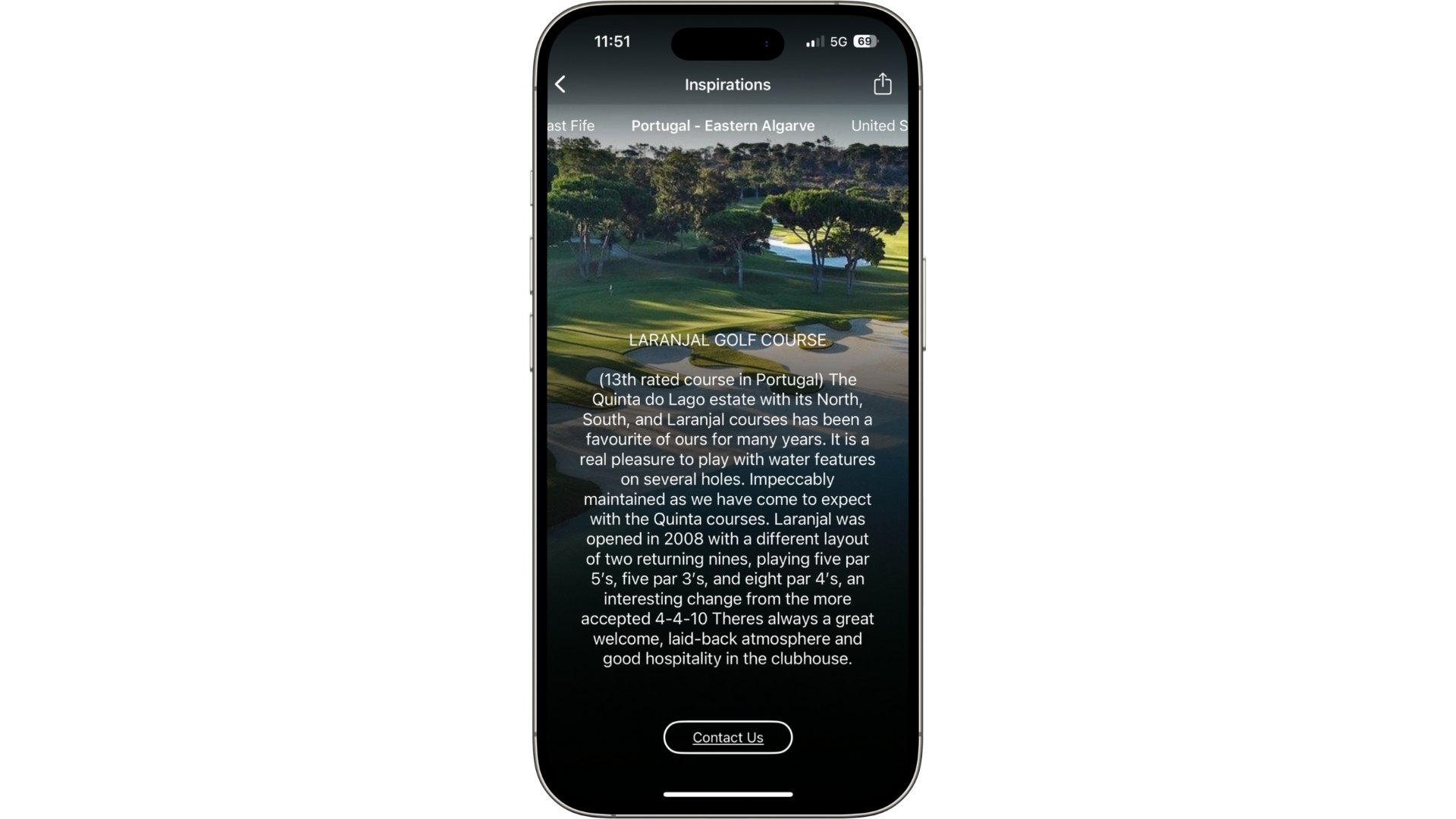
TOP TIP: Send a notification one week after the trip encouraging clients to check Inspirations — this is the peak moment for rebooking.
If you have any further questions or need help, contact us at support@vamoos.com.