
Vamoos for group travel
✅ For travel companies
In this guide, you'll find our top tips and recommendations for Group Travel companies to maximise your use of Vamoos!
In this article:
People
Upload travellers’ names and offer a personalised experience in the app.
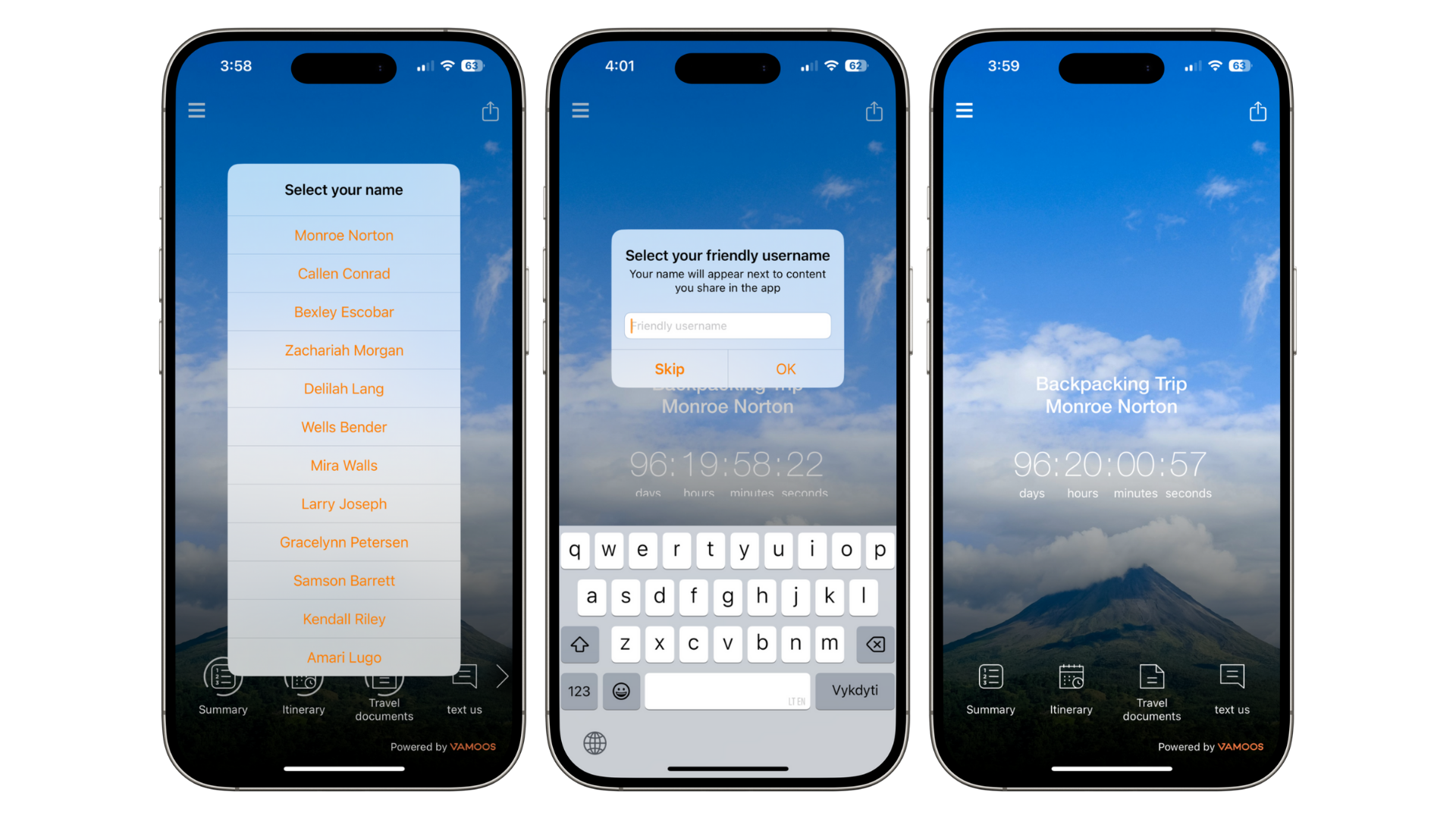
This also enables to manage access to key information such as documents, flights and itineraries.
Top tip: copy and paste all names in the People section in one go and the Portal will automatically populate the field for each person.
Documents
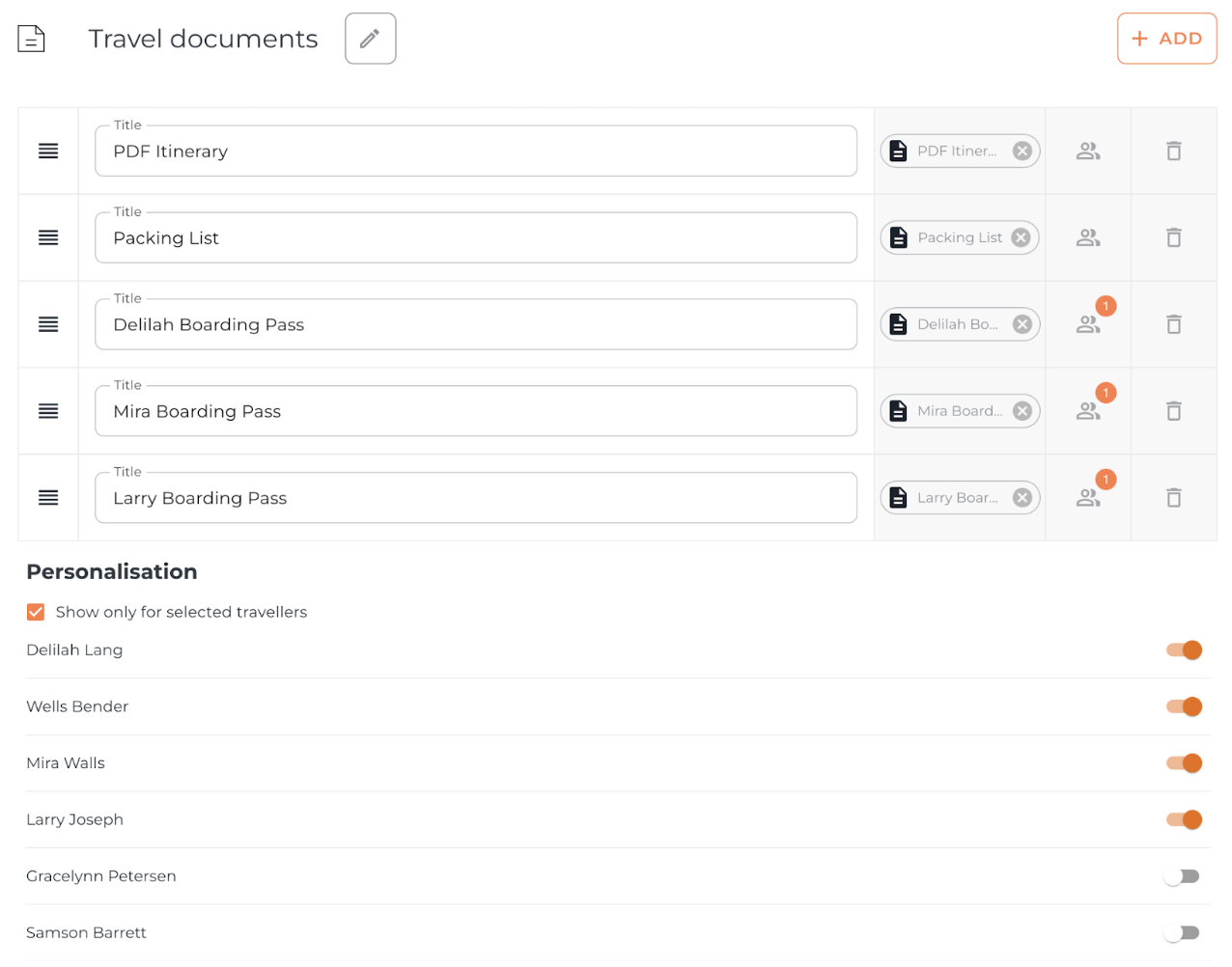
Travel Documents: upload all boarding passes, confirmations, visa information etc.
Destination Documents - upload travel guides, entry tickets etc.
Use Personalisation to ensure each traveller only sees what is relevant to them.
Storyboard
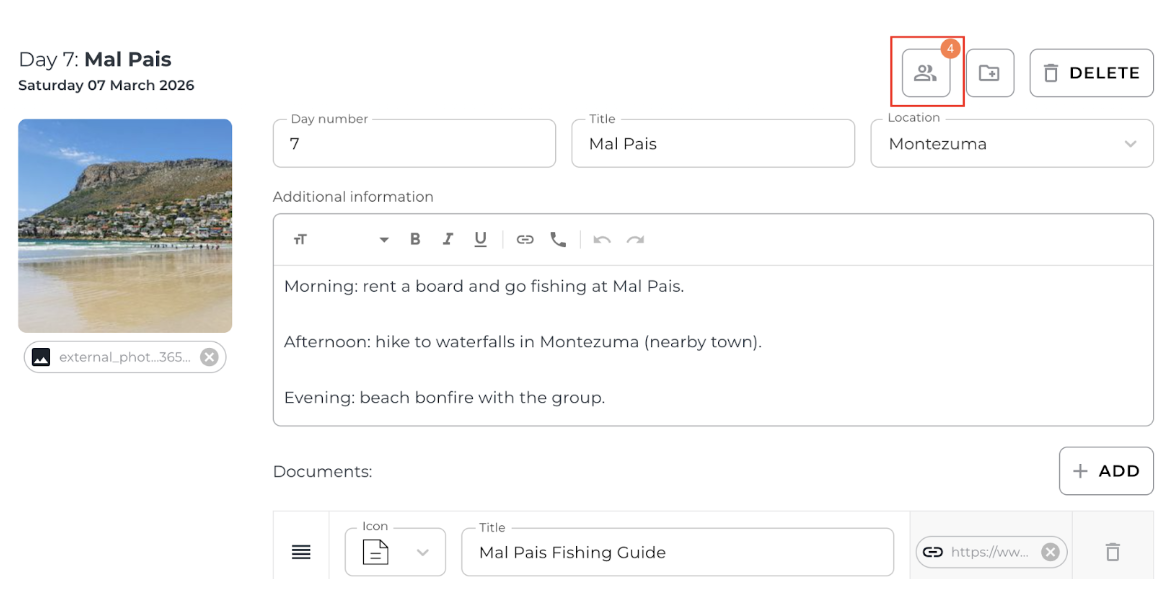
Create visual day-by-day itineraries for multiple travellers. This is ideal for groups following different daily plans.
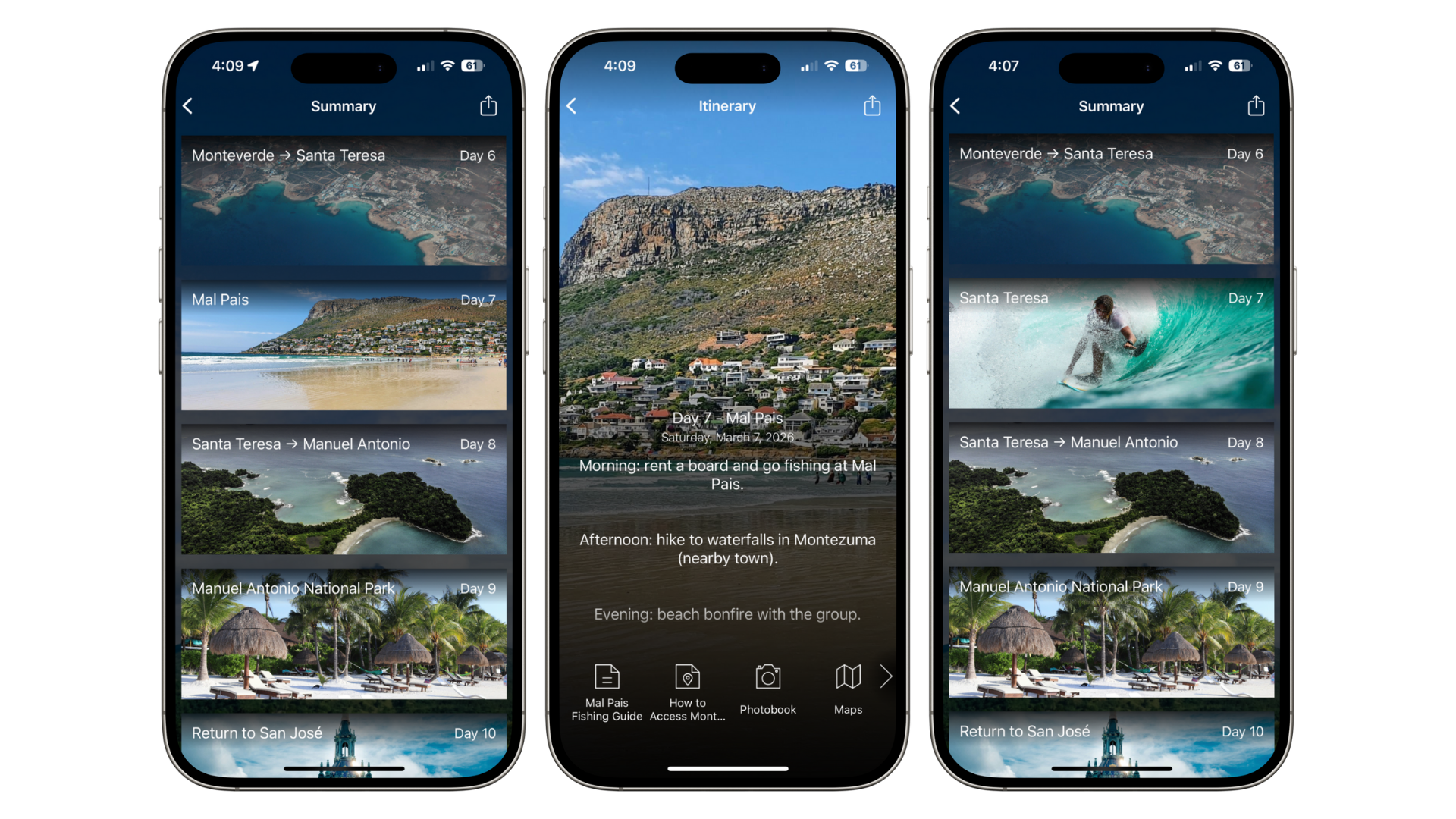
Add multiple Storyboard frames per day for each traveller to reflect their itineraries.
Flights
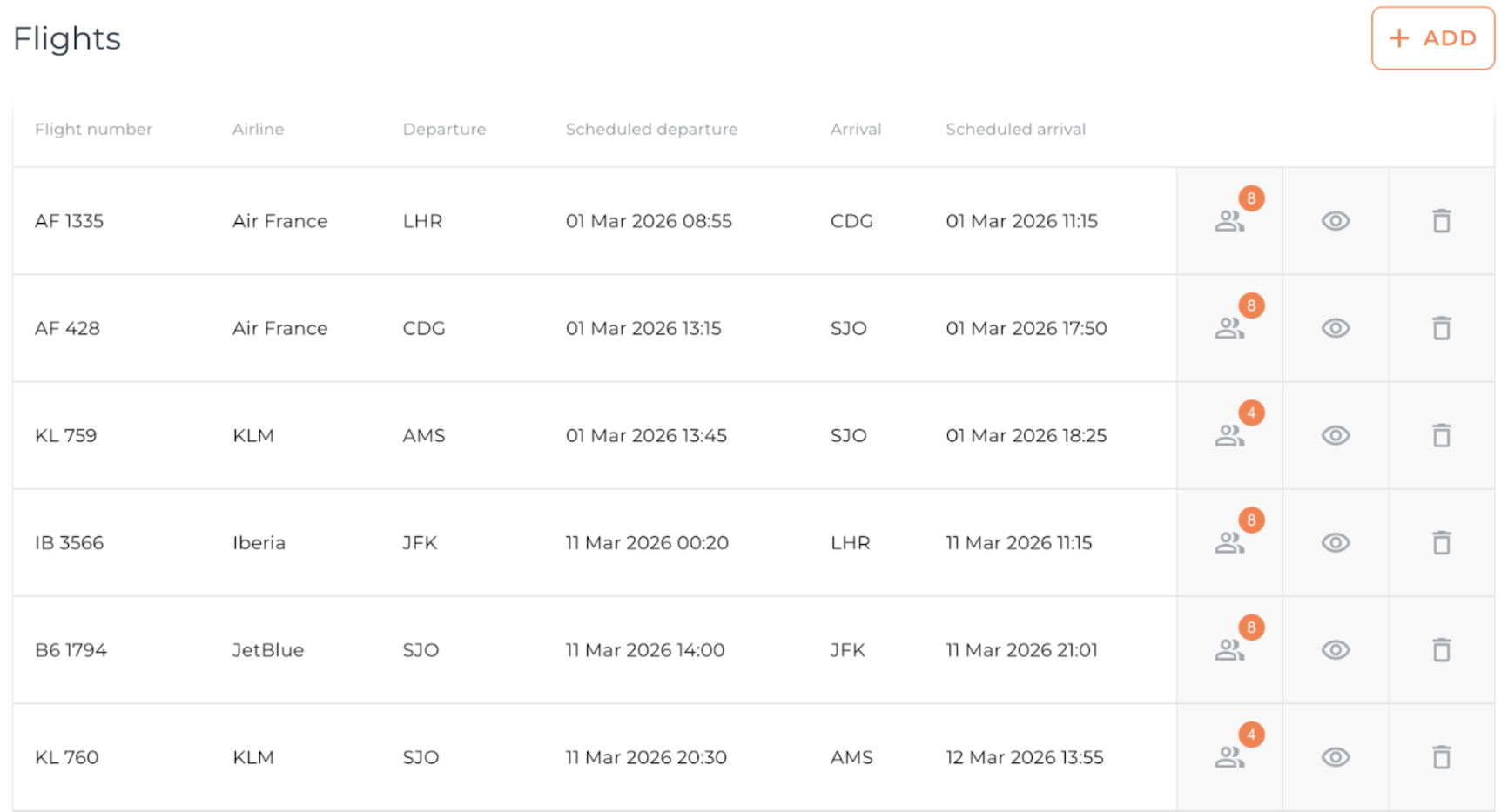
Upload every flight for the group into the Flights section.
Assign each flight to the travellers who are taking it - they will automatically receive updates.
Note: remind clients to Allow Notifications when they download the app so they don't miss key information!
Additional Tips
Use Force App Update to communicate last minute changes during the trip and ensure everyone has the latest information immediately.
Use our Booking to Boarding Guide to build excitement for the upcoming trip.
Set up Messaging so travellers can keep in touch by contacting you directly through the app.
TOP TIP: You can keep track which travellers has messaged if their name has been added to the People section
If you have any further questions or need help, contact us at support@vamoos.com.