
Vamoos for resorts
✅ For travel companies
In this guide, you'll find our top tips and recommendations for resort travel companies to maximise your use of Vamoos!
In this article:
Documents
Under Destination Documents, upload all the information about the resort and property: maps, amenities, food & drink, entertainment, activities, and more.
Under Travel Documents, add useful travel info such as tickets, local recommendations, safety details, or even playlists and podcasts.
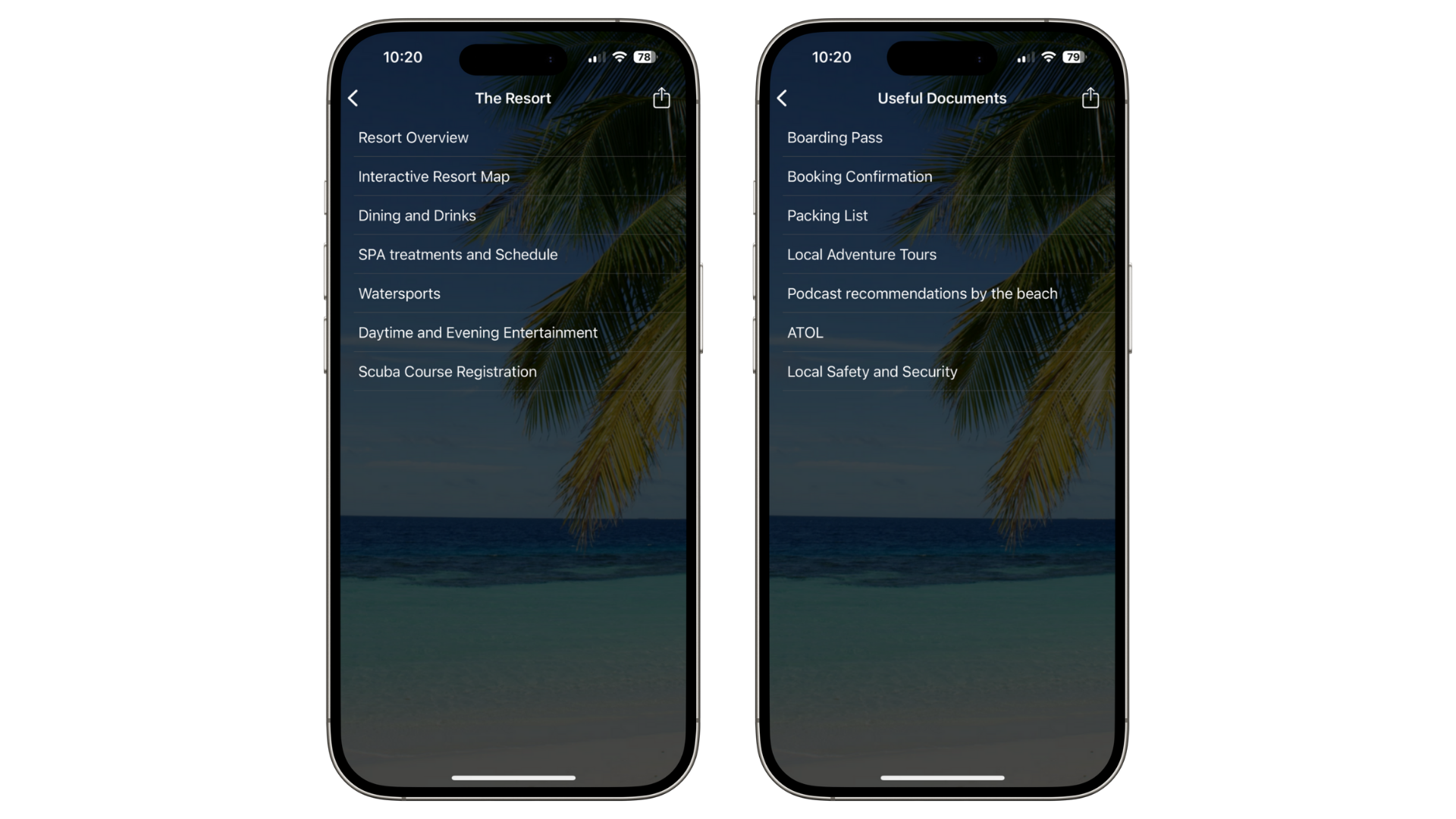
TOP TIP: You can rename document sections to something resort-specific under Shared > Menus & Labels. More info here
Locations
For smaller resorts, set the resort entrance/building as the main location and upload a property map.
For larger resorts (e.g. ski towns), set each lodging property or key building as a main location. If the exact location doesn’t show in the portal map, right-click the spot in Google Maps to get coordinates and add them manually.
When adding Points of Interest (POIs), tailor them to your resort. For example, if you offer dining, don’t add competing local restaurants.
For smaller resorts, add nearby beaches, swimming spots, or practical stops like pharmacies and supermarkets.
For larger resorts or towns, use POIs for additional fixtures: restaurants, shops, ski lifts, etc.
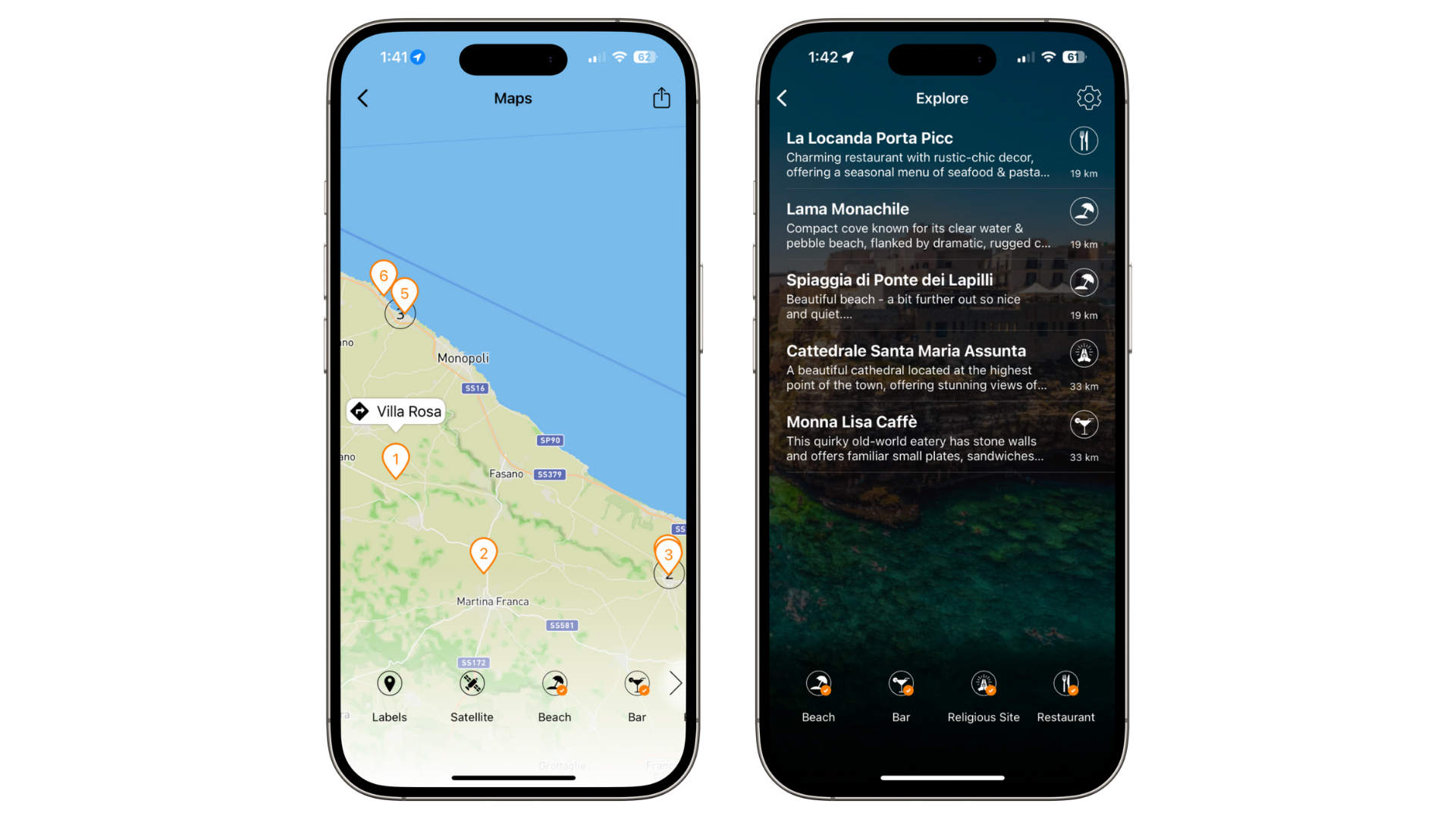
Top Tip: Keep POIs within a 10km range so guests focus on enjoying the resort itself.
Storyboard
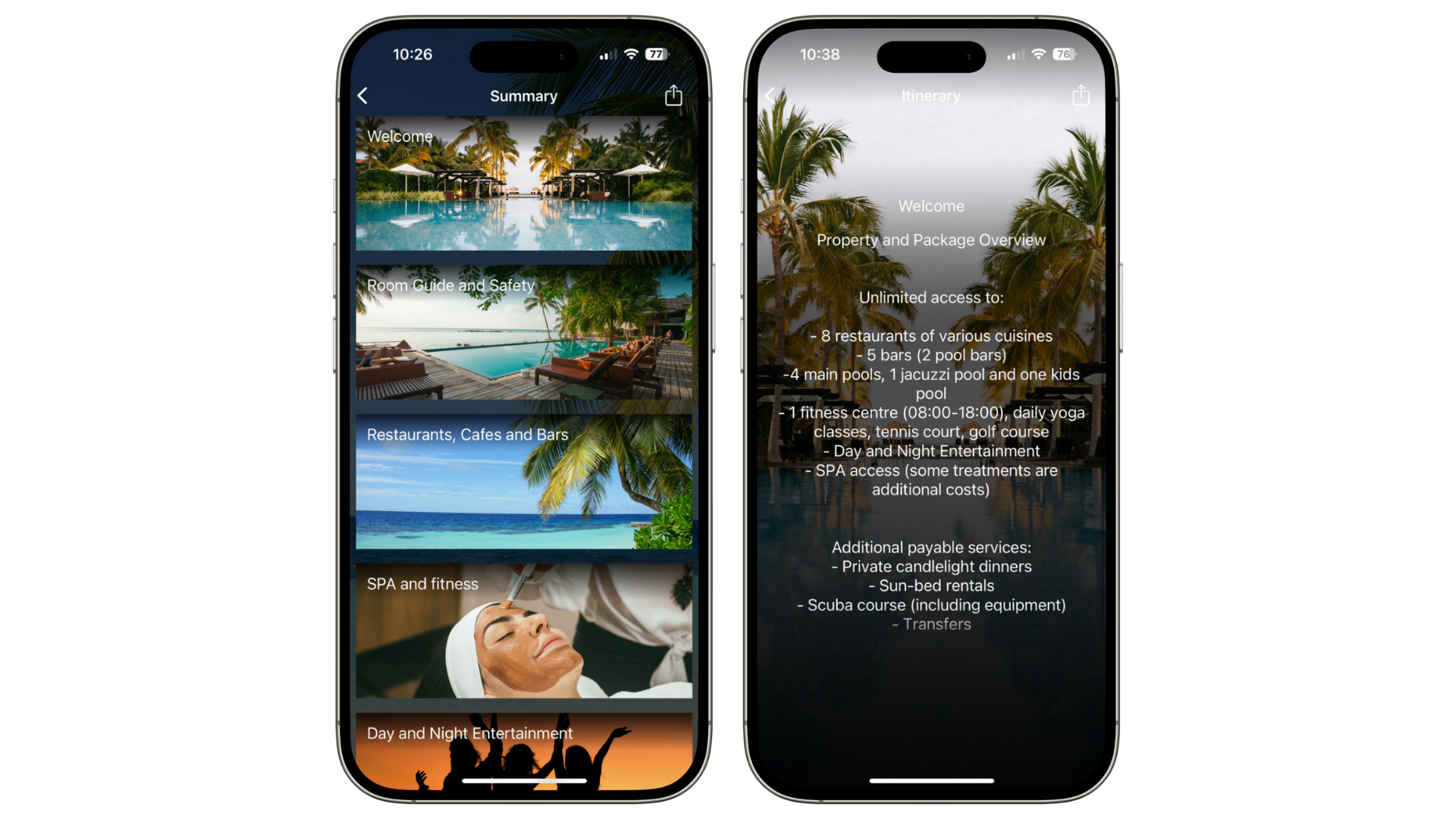
Use the Storyboard as an information board by hiding dates.
Add frames for: resort maps, area guides, room/chalet details, amenities, food & drink, activities, entertainment, rentals, and shopping.
Attach supporting documents to each frame — menus, booking links, maps, etc.
Notifications
Use Notifications to stay connected with guests during their trip.
Send reminders for dining reservations, spa bookings, and activities. Attach menus, tickets, or booking links.
Each morning, send a schedule of the day’s activities with booking links so guests can sign up instantly.
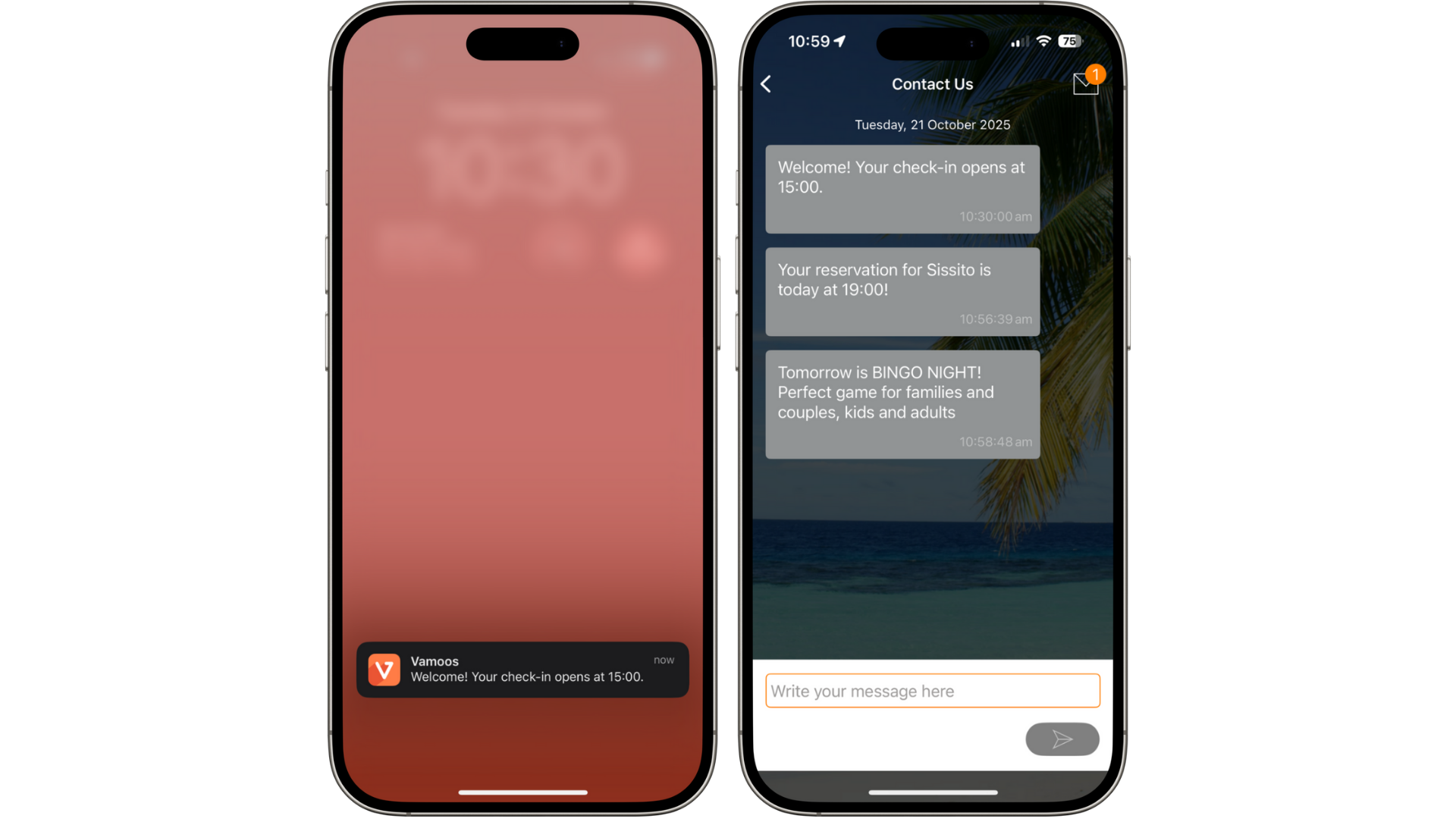
Top Tip: Schedule a notification 1–2 days after the trip ends with a feedback form link to capture reviews.
Additional Tips
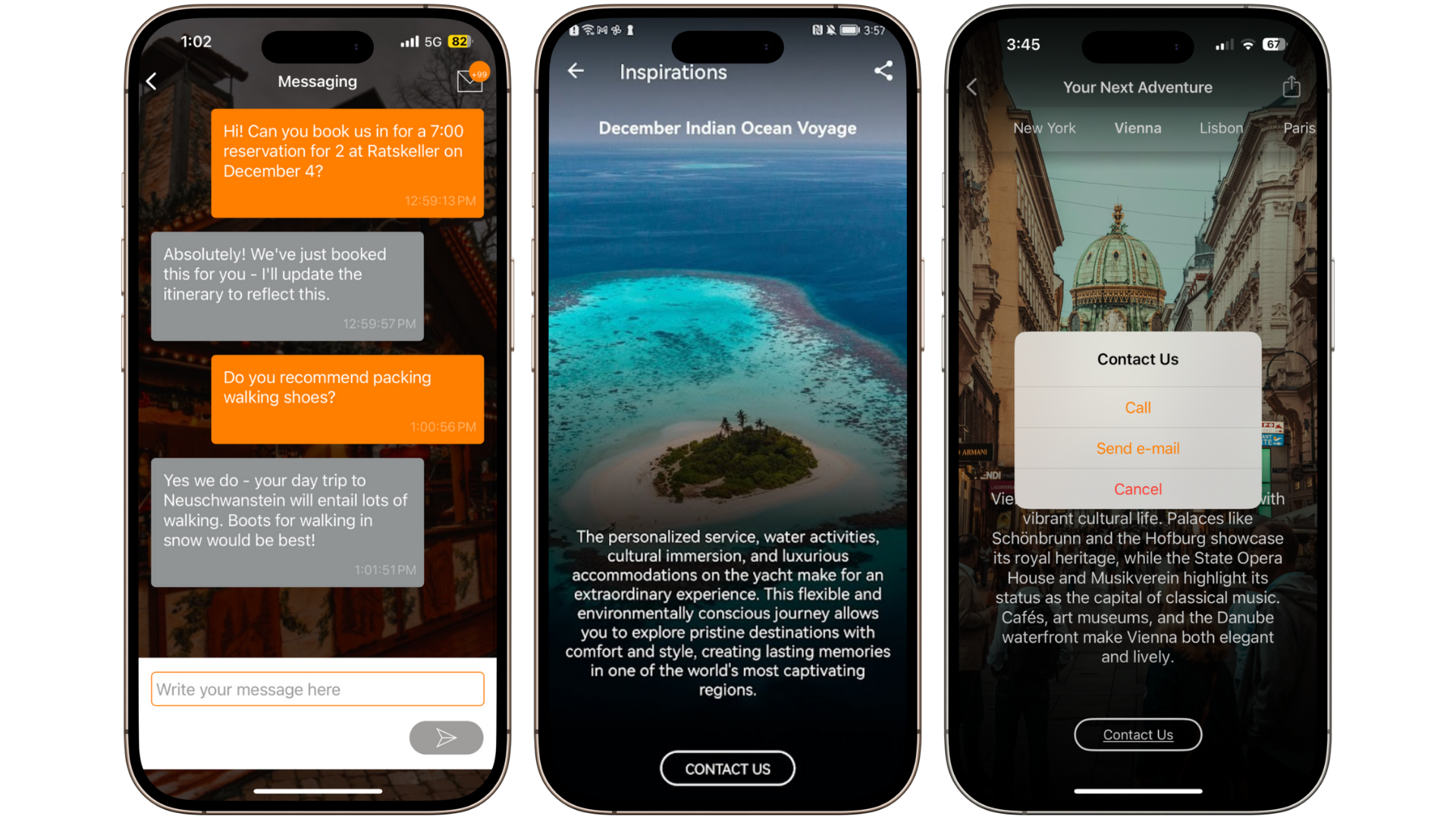
If staff are available, enable Messaging so guests can ask quick questions.
Use Inspirations to promote future trips or properties. For example, show winter trips to summer travellers.
Upsell in-resort services (watersports, spa treatments, private dining) using Inspirations’ instant contact button.
If you have any further questions or need help with this, you can contact us at support@vamoos.com.