
Vamoos for villas
✅ For travel companies
In this guide, you'll find our top tips and recommendations for villa travel companies to maximise your use of Vamoos!
In this article:
Documents
Under Travel Documents, upload content for the journey and destination: packing lists, city guides, restaurants, transport info, and tickets.
Under Destination Documents, include villa-specific information: welcome guide, house rules, internet details, amenities, and services.
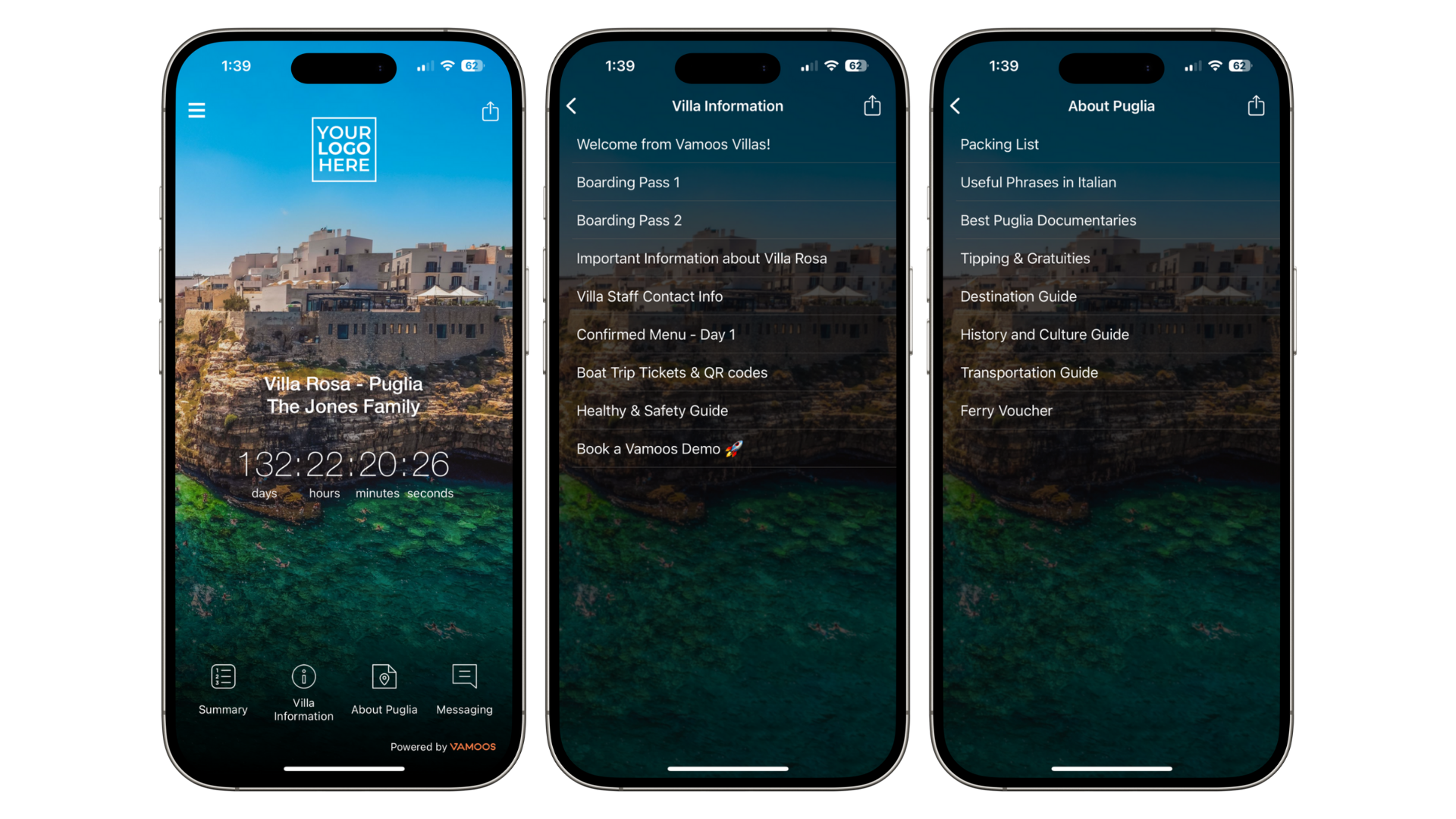
TOP TIP: Rename document sections to something villa-specific under Shared > Menus & Labels. Learn how here.
Locations
For trips without daily itineraries, add the villa address as the sole primary location.
For trips with a daily schedule, add the villa plus any major stops as primary locations.
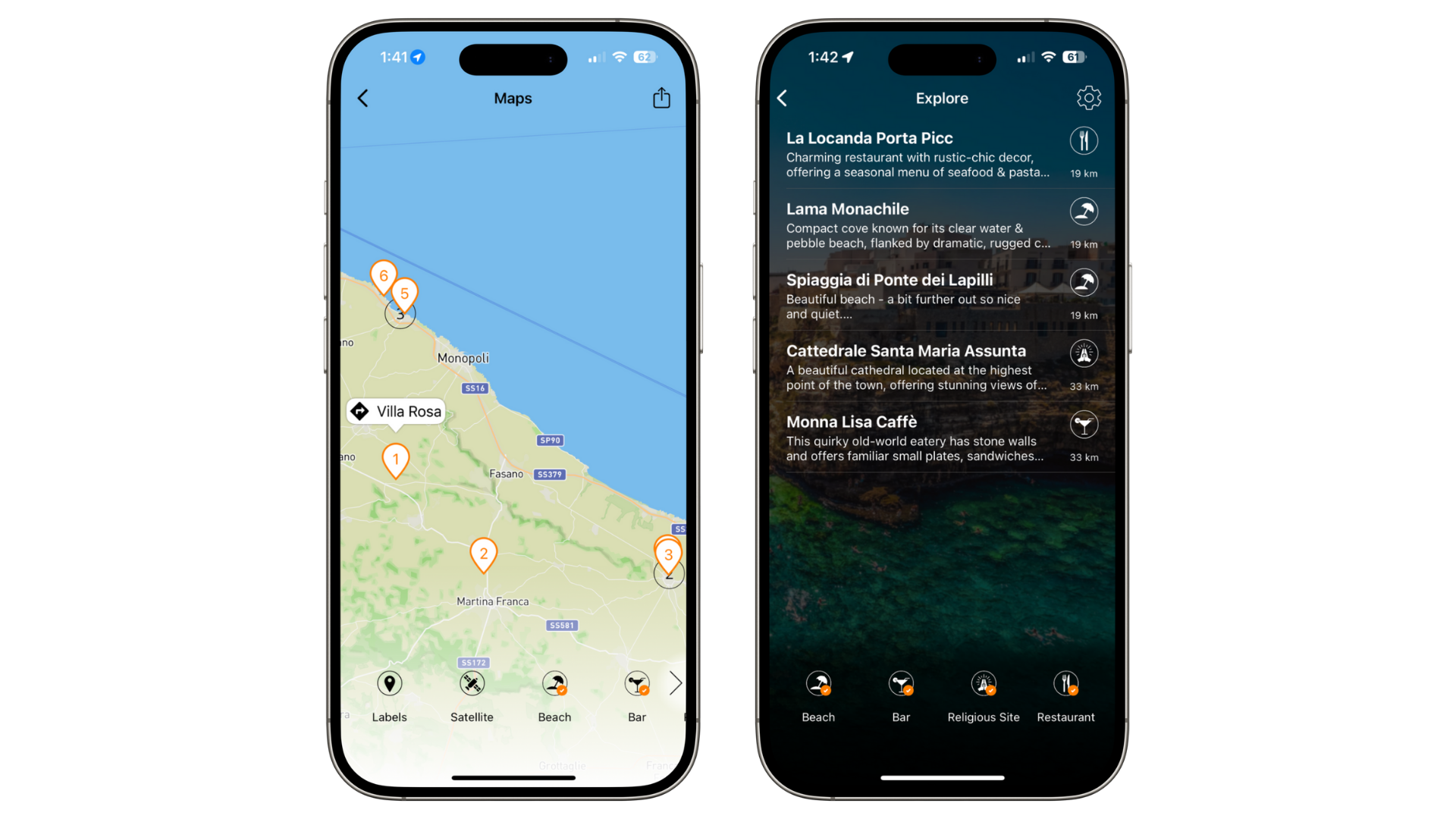
Add Points of Interest (POIs) with local recommendations: restaurants, shops, historic sites, bars, and attractions. For scheduled trips, also add smaller agenda stops.
Guests usually stay close to the villa, so set POI range to 10–30km.
Storyboard
You can use the Storyboard in two main ways:
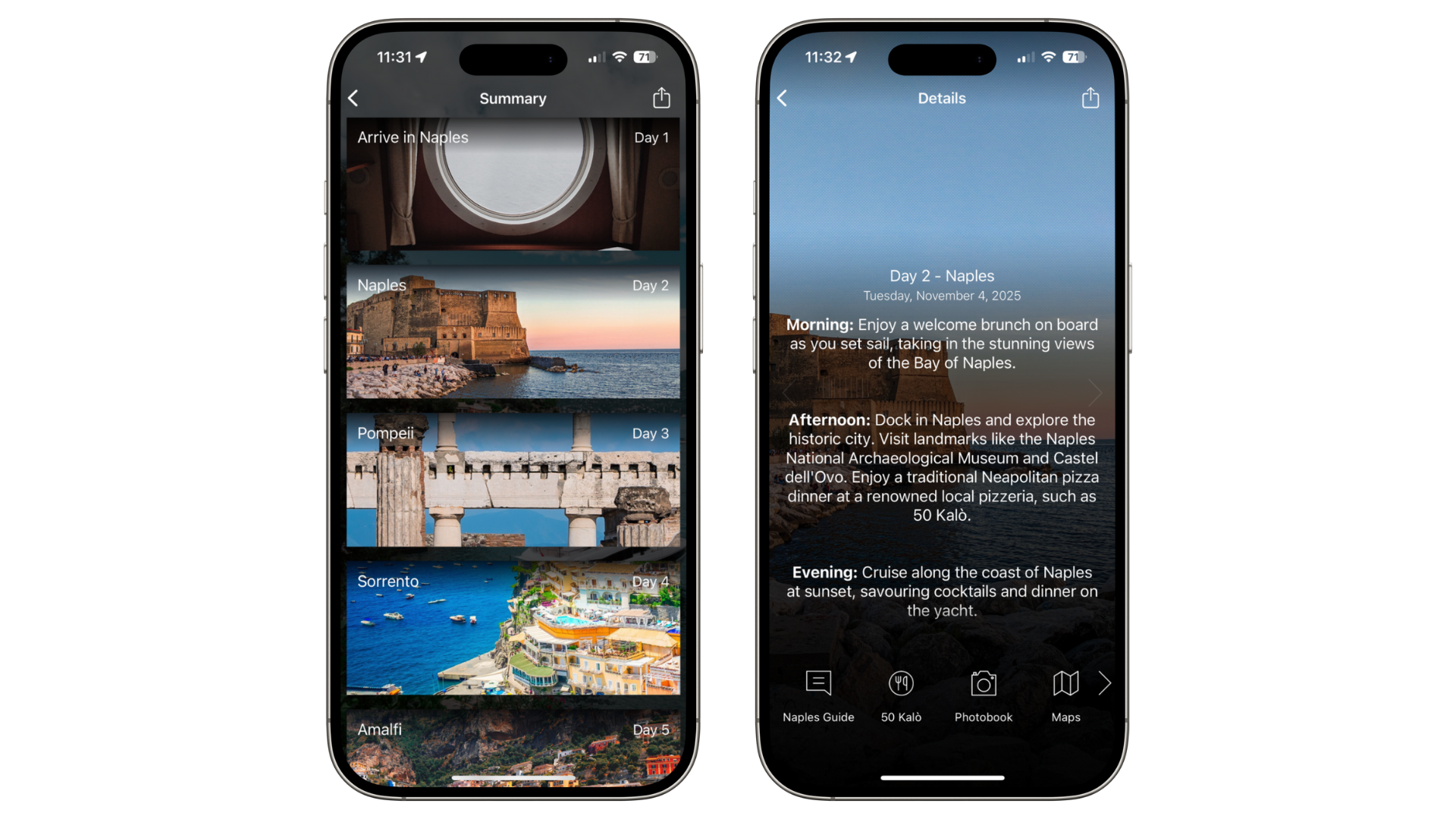
Day-to-day itinerary: Keep dates visible for experience-based trips.
If there’s too much info in one day, split into multiple frames (e.g. one for flights, one for activities). Use the reorder tool to group them.
Add supporting docs under each frame: menus, guides, or tickets.
Information board: Hide dates and use Storyboard to showcase villa details.
Create frames for welcome info, facilities, room details, dining, services, and local guides.
Notifications
Send notifications to keep guests updated. Start with a welcome message at the beginning of their trip.
For itineraries, send daily reminders with transfers, activities, and bookings.
While at the villa, send reminders about extra services (chef, spa, etc.) with booking links.
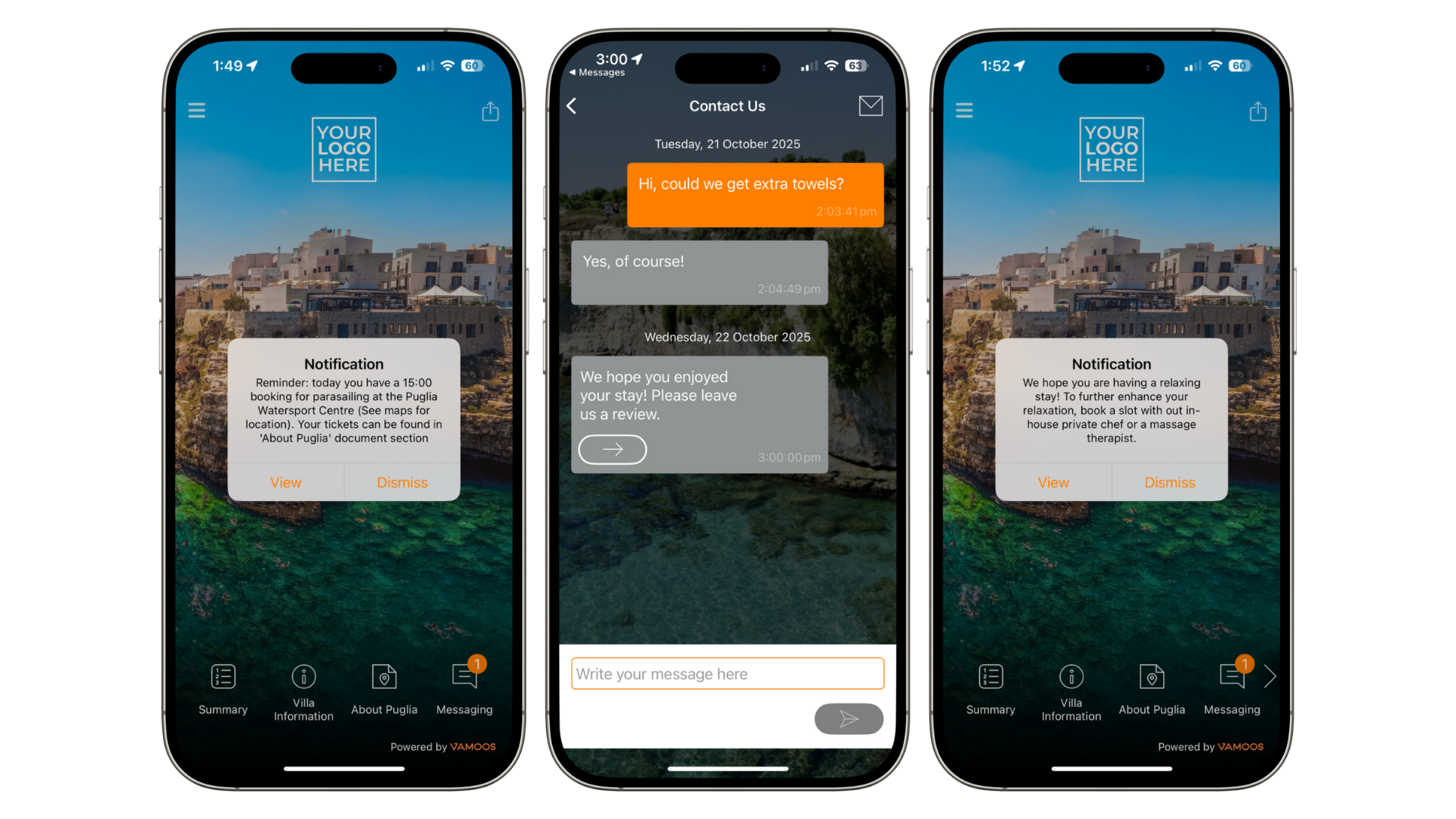
TOP TIP: Schedule a notification 1–2 days after the trip ends with a feedback form to collect guest reviews.
Additional Tips
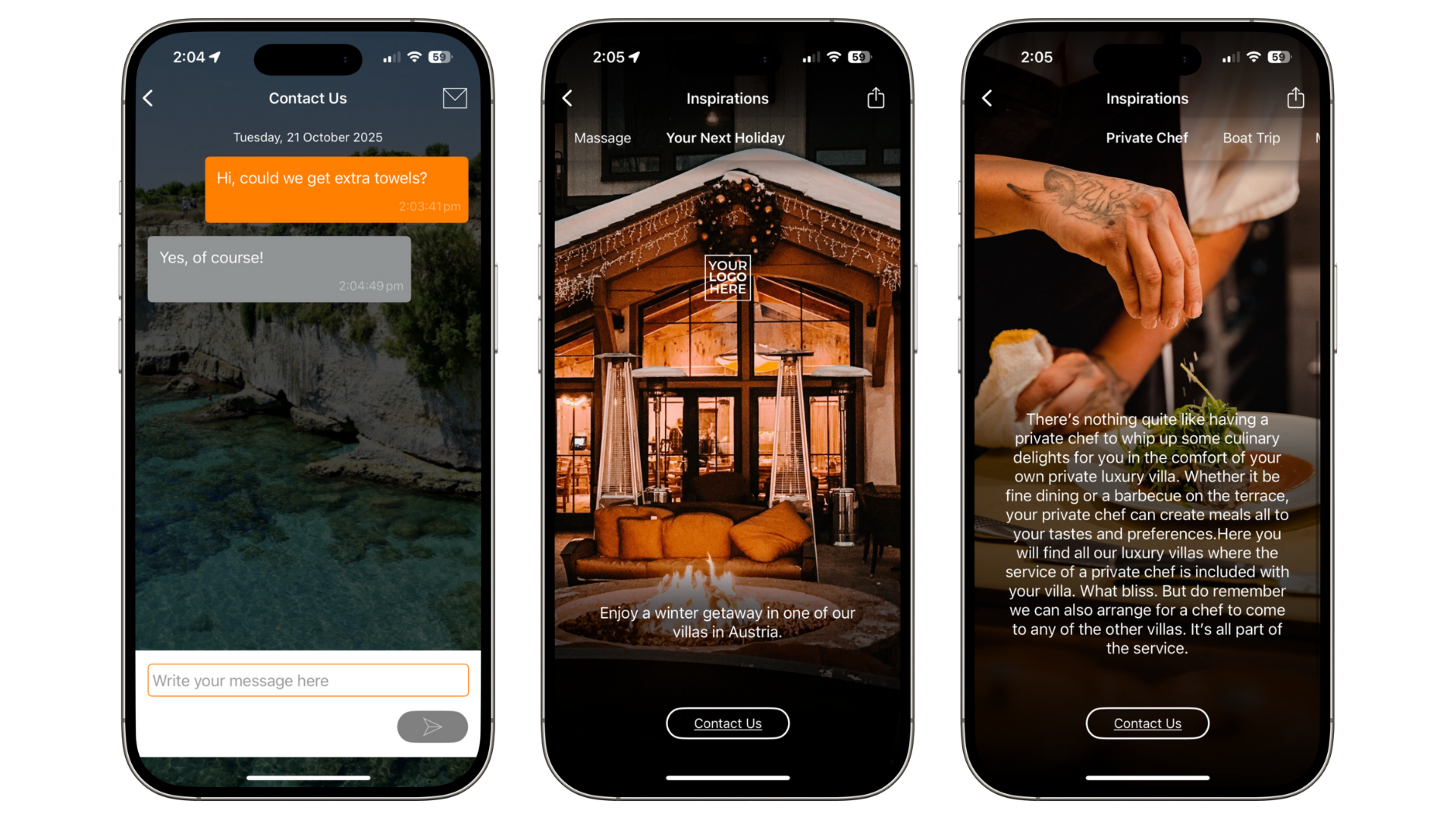
Enable Messaging so guests can easily reach you during their trip.
Use Inspirations in two ways:
Promote other properties or trips (e.g. show winter villas to summer guests).
Upsell services like watersports, spa treatments, or private chefs using the instant contact button.
If you have any further questions or need help, contact us at support@vamoos.com.