
Vamoos for education travel
✅ For travel companies
In this guide, you'll find our top tips and recommendations for Education Travel companies to maximise your use of Vamoos!
In this article:
Documents
Under Travel Documents, upload boarding passes, accommodation details, packing list, emergency contact information.
Under Destination Documents, upload entrance tickets, city guides, workbooks and worksheets.
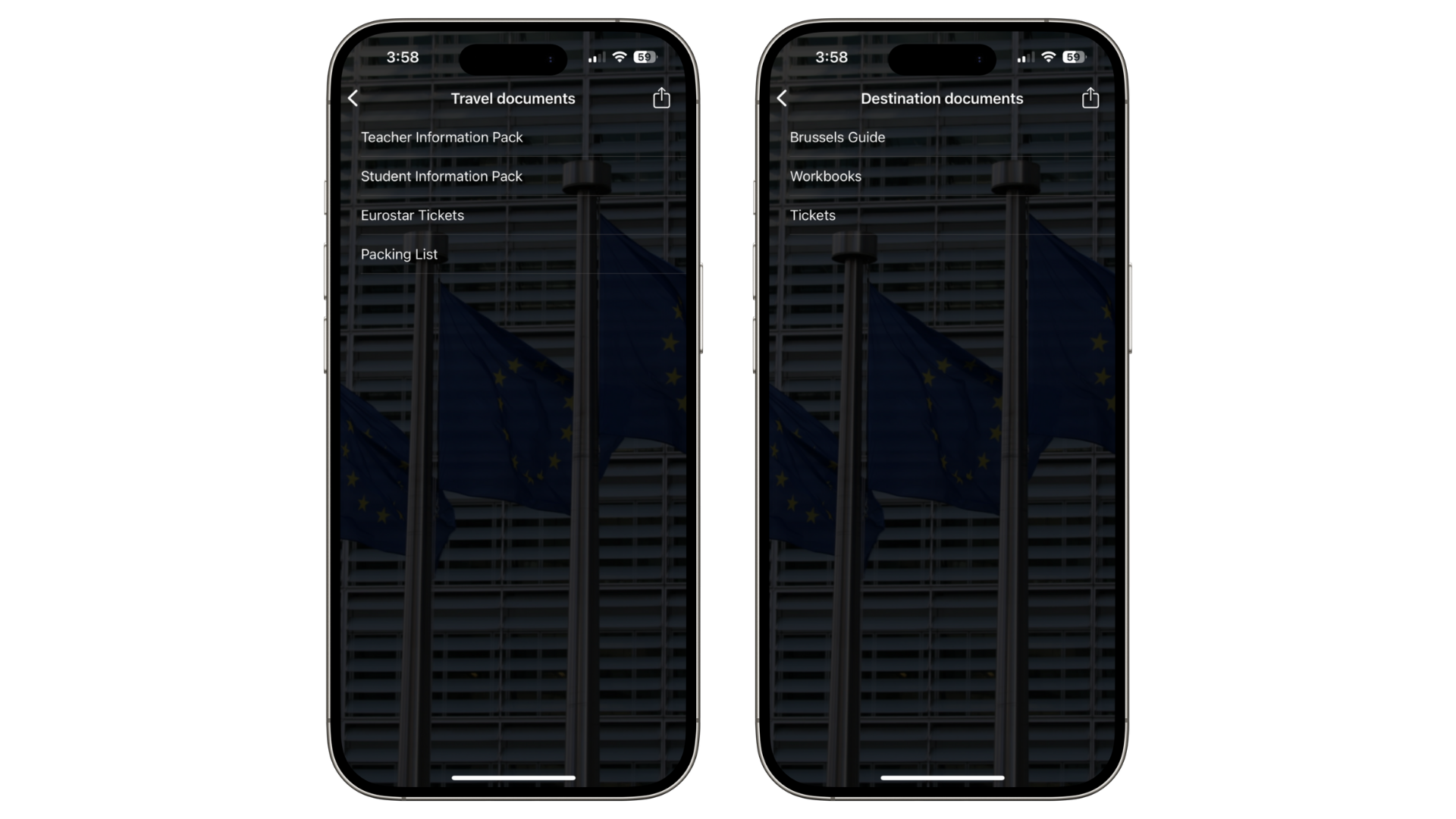
Using Studio Documents, create a new Document Section and upload student, parent and teacher information booklets as well as risk assessments.
Locations
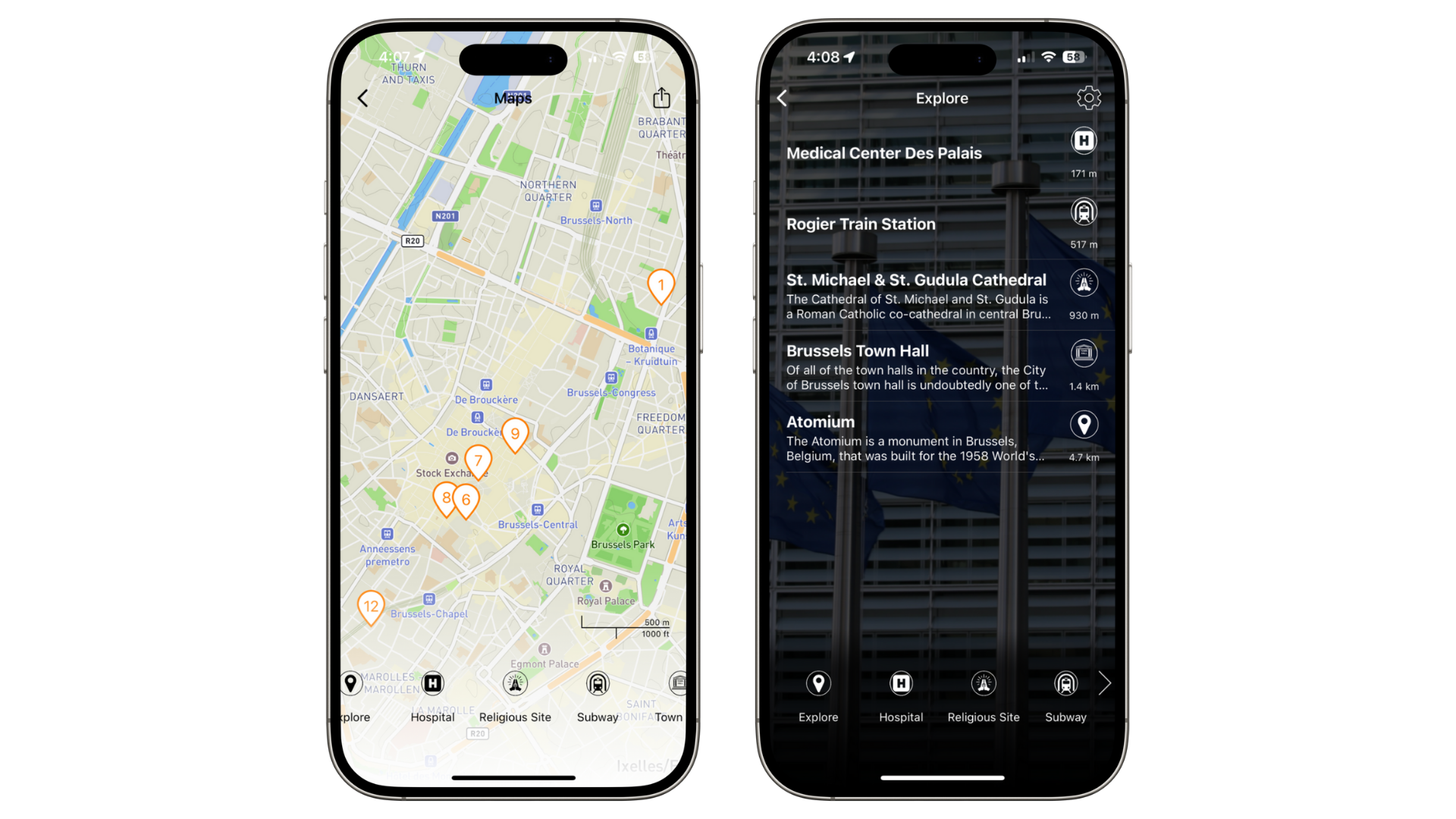
Under Locations, include accommodation, airport, planned lunch and dinner restaurants with links to the menu, itinerary related locations (museums, galleries, parks, universities).
For Points of Interest (POI), add local landmarks, historical sites, relevant public transport stations, closest grocery shop to the accommodation, nearest hospital.
Storyboard
Build clear, engaging and visual itineraries that support the educational purpose of the trip.
Link agendas, questionnaire, worksheets directly to the relevant day in the Storyboard.
You can upload multiple frames per day in order to break down the information.
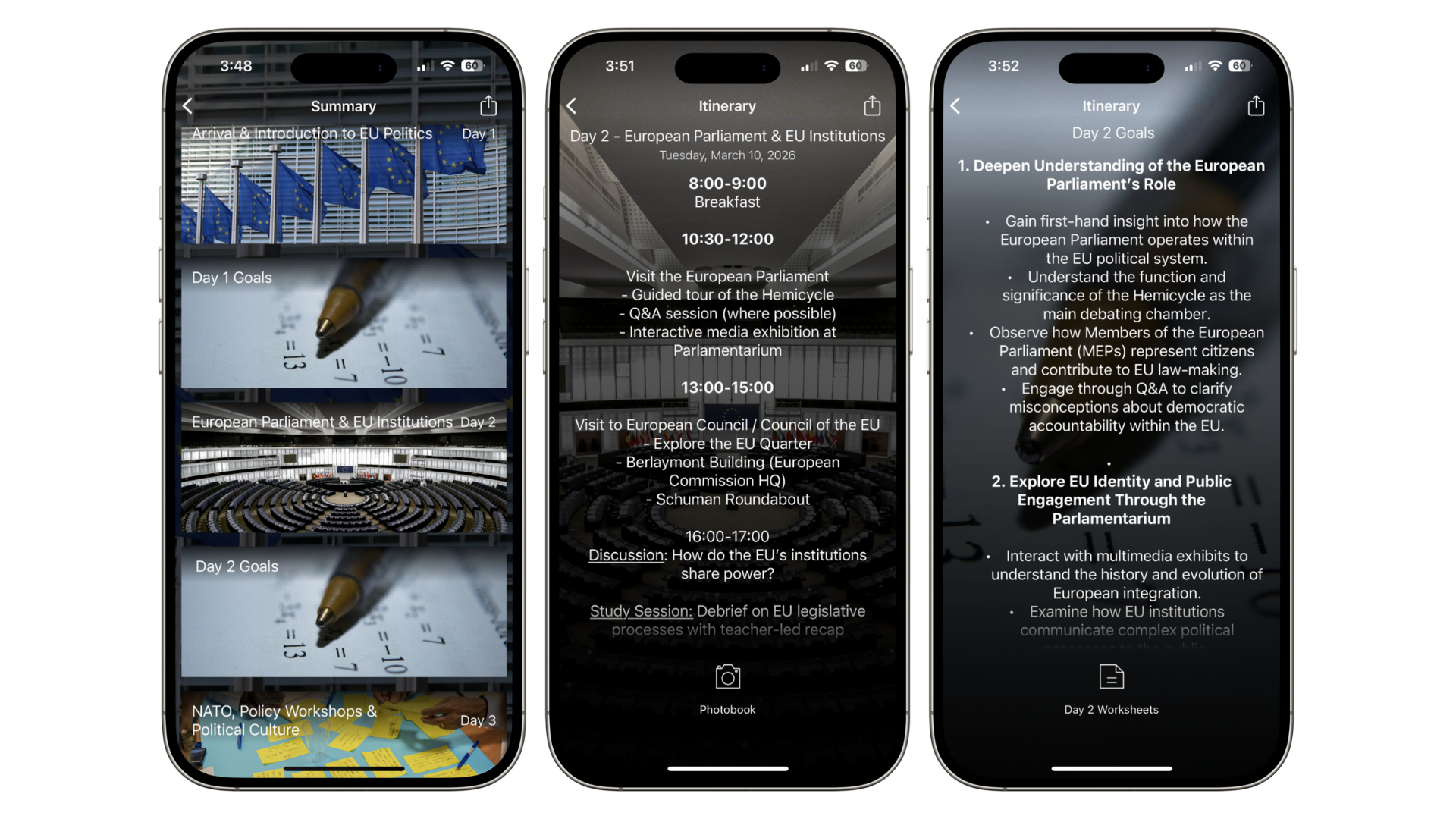
Top tip: create content rich Studio documents directly in the Storyboard.
Notifications
Use Timed Notifications to send daily reminders, communicate important deadlines and daily activities.
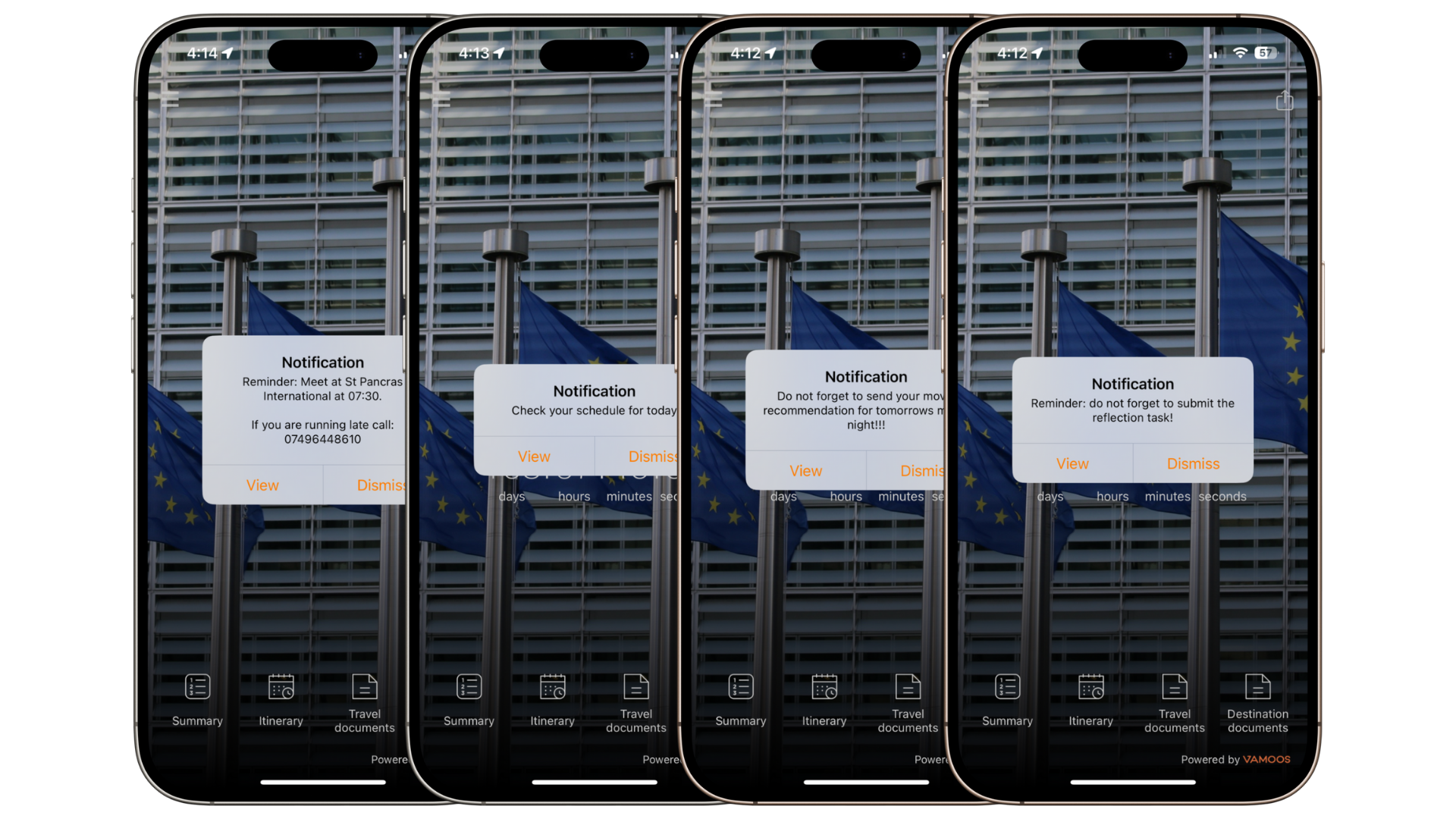
Top tip: use our Booking to Boarding Guide to build excitement for the upcoming trip and allow students to immerse themselves into this new experience.
Additional Tips
Use the Countdown feature to build excitement and anticipation.
Ensure you have the Posts feature enabled to provide a secure way to take and upload pictures during the trip.
Duplicate the trip to create separate tailored versions for teachers, parents, and students to maintain sensitive or private information hidden from students.
If you have any further questions or need help, contact us at support@vamoos.com.