
Using Vamoos Stays for Hotels & Accommodation
✅ For Hotels & Accommodation
A summary of everything you need to get up and running with Vamoos.
In this article:
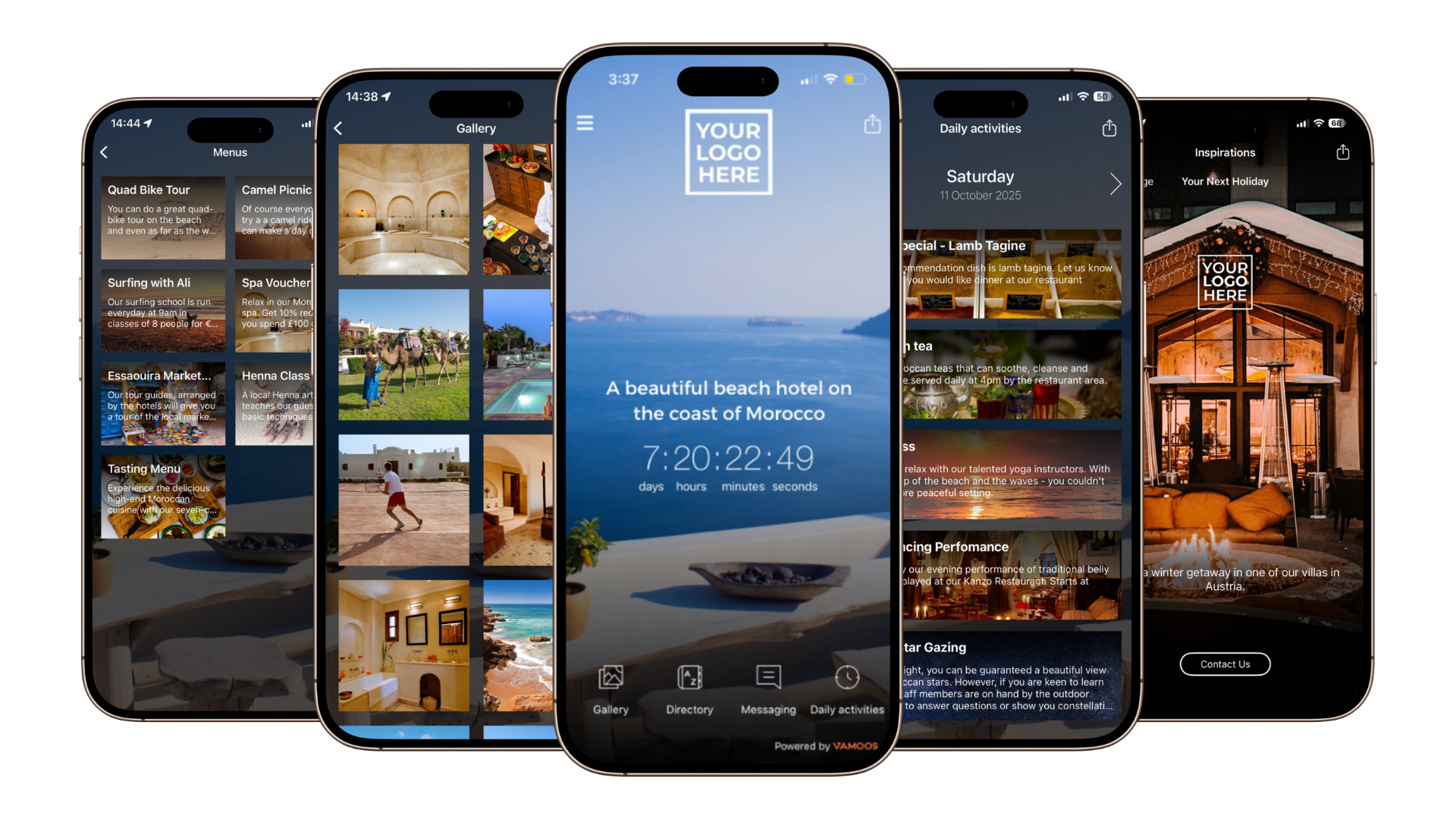
Welcome to Vamoos!
Thank you for joining Vamoos, we’re really excited to have you on board! This article will tell you everything you need to know about getting set up.
New customers: don’t forget to book your training session with our Customer Success team. We’ll walk you through features and give tailored best-practice advice.
Create an account and add your colleagues
Step 1 – Create a business account for your company. See how here.
Step 2 – Don’t work alone! Invite your colleagues and set them up as users. See how to add users.
Add your logo
Step 3 – Upload your logo so it appears front and centre on all your trips. See how here.
Create your Hotel or accommodation
Step 4 – You’re ready to create your property – great job!
Add General Information about your property.
Add personalised call-to-action buttons.
Include your recommendations in the Points of Interest section.
Upload property images to your Gallery.
Showcase the property in your Directory.
Promote activities via the Daily Activities section.
Display exclusive offers in Vouchers/Menus.
Set up notifications and messaging before, during, or after a guest’s trip.
Use Inspirations to showcase other properties or activities and inspire rebookings.
Send Vamoos out to your clients
Step 5 – Once your trip is created, send it out and wow your clients.
If you have any further questions or need help, contact us at support@vamoos.com.